Why look beyond Filemail?
Filemail is a capable service with a business focus: UDP-accelerated uploads, resumable transfers, compliance features. The friction is in the packaging. The free tier's 2 transfers per 24 hours rule bites the moment you forget an attachment, retention is 7 days, and file size upgrades are stair-stepped behind plans: around $12/month (Pro) for 250 GB, with unlimited sizes reserved for Business at roughly $15-18 per user per month.
If you don't need the enterprise features, you can get bigger transfers for less.
1. Transfer.zip - Unlimited transfers, longer retention, lower price
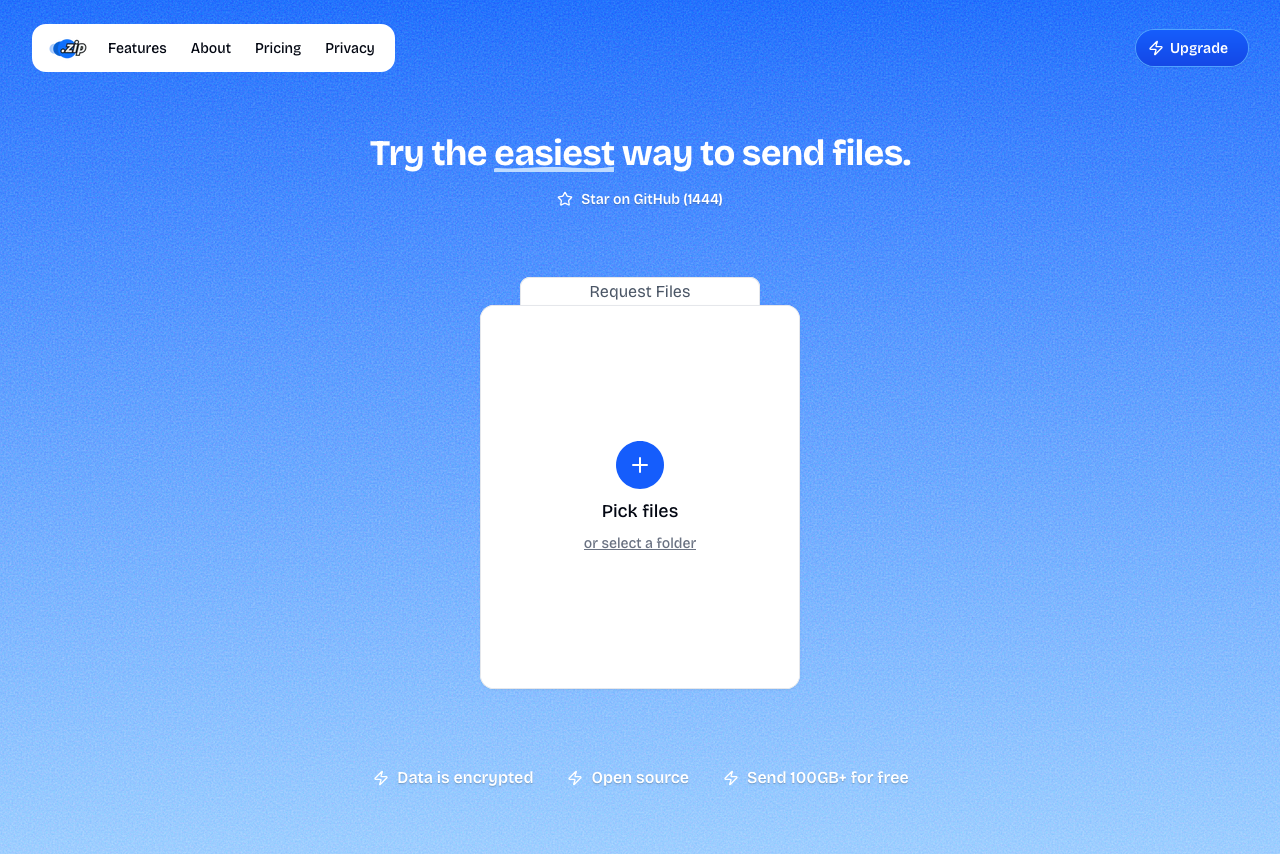 A screenshot of Transfer.zip homepage.
Transfer.zip's free Quick Transfer has no size limit and no daily counter: files stream directly between browsers, end-to-end encrypted, as often as you like. Paid plans (from $6/month billed yearly, 7-day free trial) add stored transfers up to 1 TB with retention up to 365 days, view and download tracking, and custom branding on the Pro plan.
Against Filemail's ladder, the comparison is straightforward: longer retention than Pro (365 vs 30 days), bigger transfers than Pro (1 TB vs 250 GB), at roughly half the monthly price.
- Unlimited free real-time transfers, no daily cap
- 1 TB stored transfers on Pro
- 365-day retention, vs Filemail Pro's 30
- End-to-end encrypted Quick Transfers
- Open source
- From $6/month with a 7-day free trial
- Quick Transfer needs both parties online
- No UDP acceleration for very long distances
2. SwissTransfer - 50 GB free, ten times Filemail's free cap
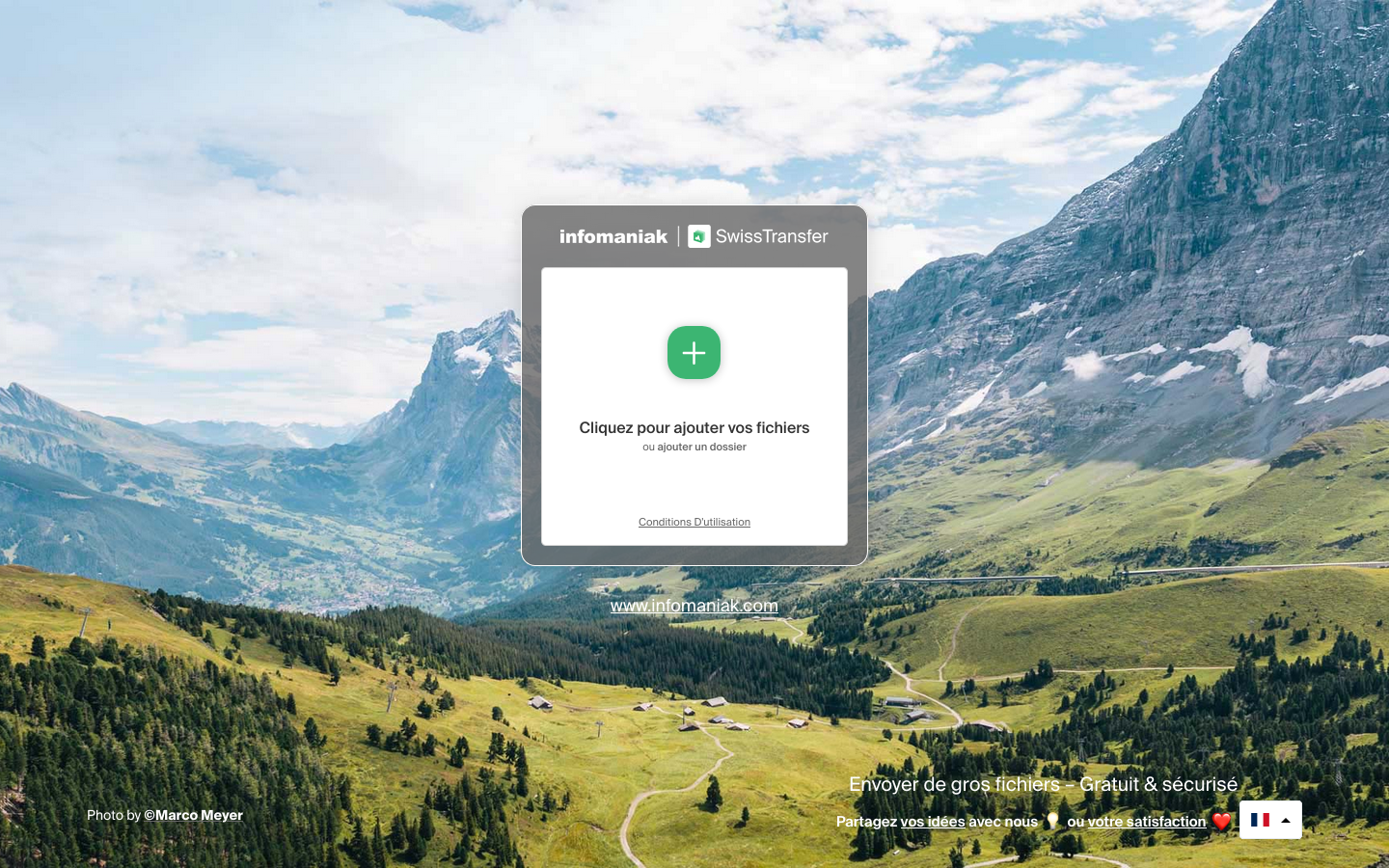 A screenshot of the SwissTransfer landing page.
SwissTransfer's free tier embarrasses most paid entry plans: 50 GB per transfer, links up to 30 days, passwords and download limits included, no account, no ads. There's no paid tier, so no business features or upgrade path, but as a Filemail-free-tier replacement it's a huge step up.
- 50 GB per transfer, free
- Up to 30-day retention
- Password protection included
- No daily transfer counter like Filemail's
- No paid plans or business features
- No branding, analytics, or API
3. Smash - No size limit on free, with a queue
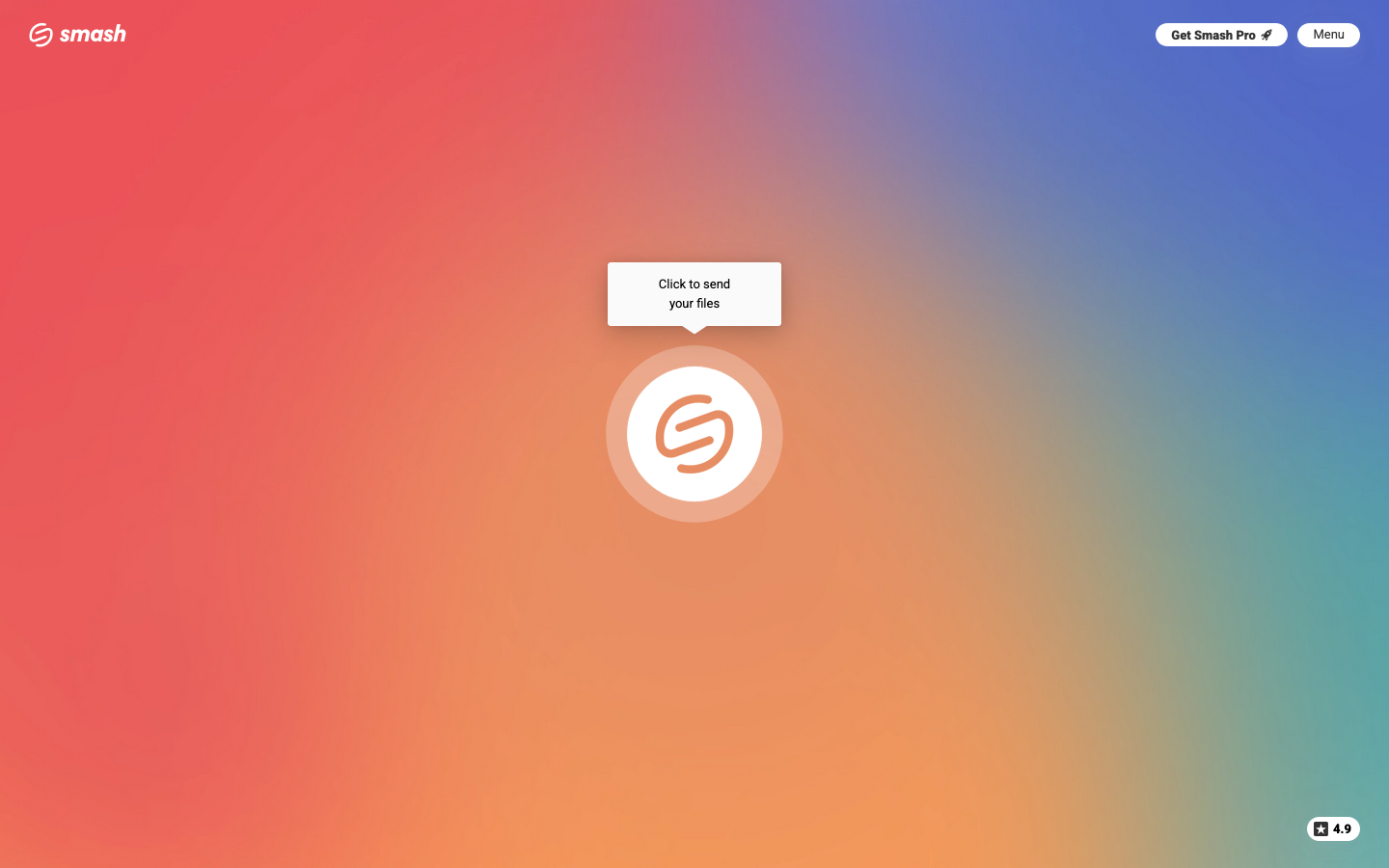 A screenshot of the Smash landing page.
Smash's free tier has no hard size limit, though transfers over 2 GB wait in a non-priority queue at busy times, and files last 7 days. Pro at $10/month brings 250 GB priority transfers and 30-day retention: essentially Filemail Pro's numbers for slightly less money, with a nicer interface and without the 2-per-day free limitation.
- No hard size cap on free
- Clean, ad-free experience
- Pro slightly undercuts Filemail Pro
- Free transfers over 2 GB can queue for hours
- 30-day maximum retention on Pro
- Closed source
4. TransferNow - The closest like-for-like swap
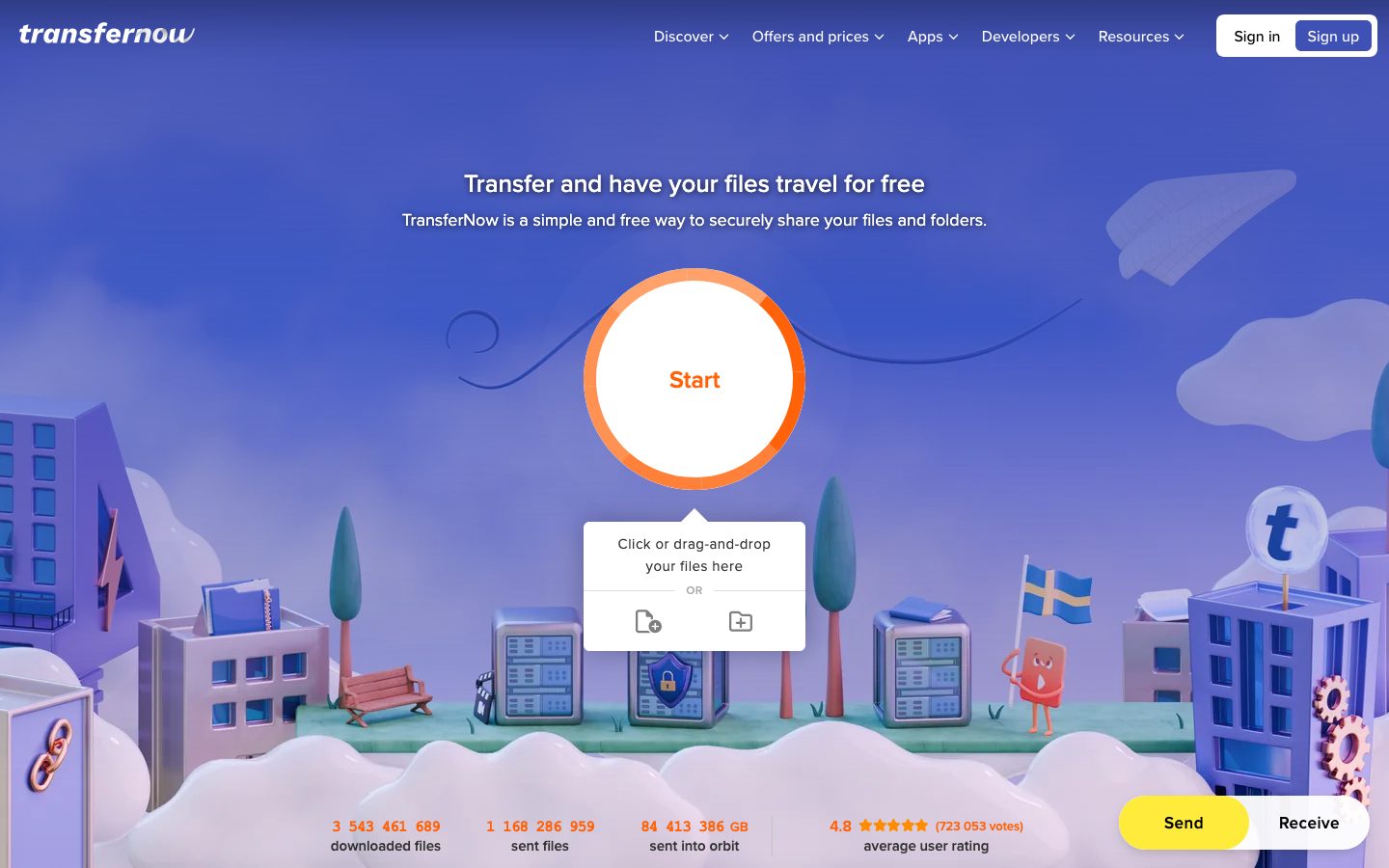 A screenshot of the TransferNow landing page.
TransferNow mirrors Filemail's shape with friendlier terms: free tier does 5 GB with 7-day retention and password protection, without a 2-per-day rule. Premium reaches 250 GB per transfer with 365-day availability for less than Filemail Pro, and the Team plan covers 10 users flat instead of per-seat pricing.
- Free tier without daily transfer limits
- 365-day retention on Premium
- Flat-rate Team plan for 10 users
- EU hosting, antivirus scanning
- 250 GB Premium cap below Filemail Business's unlimited
- 3 recipients max on free
5. MASV - If you genuinely need unlimited, giant files
Filemail Business's headline feature is unlimited file size. If that's the part you actually use, MASV is the specialist: single files up to 15 TB, built for media production, billed at $0.25/GB pay-as-you-go with no subscription required. For occasional monster deliveries, paying per gigabyte beats a monthly business plan; for constant volume, it gets expensive fast (see our MASV alternatives guide).
- Up to 15 TB per file
- Pay only when you send
- Built for professional media workflows
- $0.25/GB adds up quickly at volume
- Overkill for everyday transfers
Filemail Alternatives at a Glance (Paid Plans)
| Service | Max file size | Starting price | Retention | Free tier |
|---|---|---|---|---|
| Transfer.zip | 1 TB | $6/mo (7-day free trial) | 365 days | Unlimited real-time |
| SwissTransfer | 50 GB | Free only | 30 days | 50 GB |
| Smash | 250 GB (1 TB Team) | $10/mo | 30 days | Unlimited, queued over 2 GB |
| TransferNow | 250-500 GB | ~$8-10/mo | 365 days | 5 GB, 7 days |
| MASV | 15 TB per file | $0.25/GB | 5 days free, then paid | 15 GB/month |
| (Filemail) | 250 GB Pro / unlimited Business | ~$12/mo | 30 days Pro | 5 GB, 2/day, 7 days |
Choosing the Right Filemail Alternative
If you need:
- Best value overall → Transfer.zip: bigger transfers and 12x the retention of Filemail Pro, at about half the price
- A free tier that isn't rationed → SwissTransfer (50 GB) or Transfer.zip Quick Transfer (unlimited)
- The same feature shape, cheaper → TransferNow
- Actually-unlimited single files → MASV, pay-as-you-go
- A polished UI for client deliveries → Smash Pro or Transfer.zip Pro with custom branding
Why Transfer.zip stands out:
- No daily transfer rationing anywhere, free tier included
- 365-day retention comes standard on Pro, not as an enterprise add-on
- End-to-end encrypted real-time mode that Filemail has no equivalent of
- Open source and self-hostable
Want more options? See our main file transfer alternatives guide.