Why people switch from Smash
Smash markets itself as "no size limit, free, forever." Technically true. The asterisk matters though: anything over 2 GB uses Smash's regular lane, which queues during peak hours. If you're sending a 30 GB video to a client at 4pm CET, you're waiting.
Smash is a solid product for paying users, but a few trade-offs vs Transfer.zip stand out:
- Closed source - you can't audit it or self-host
- No real-time mode - every file is uploaded to and stored on Smash's servers
- Entry plan retention is short - typically capped at 30 days unless you go up tiers
A look at both interfaces
Smash and Transfer.zip both stick to a single upload card and nothing else, with no notification bell or dropdown maze. The "no fluff" pitch holds on the surface for both products. The difference is what happens after you drop the file.
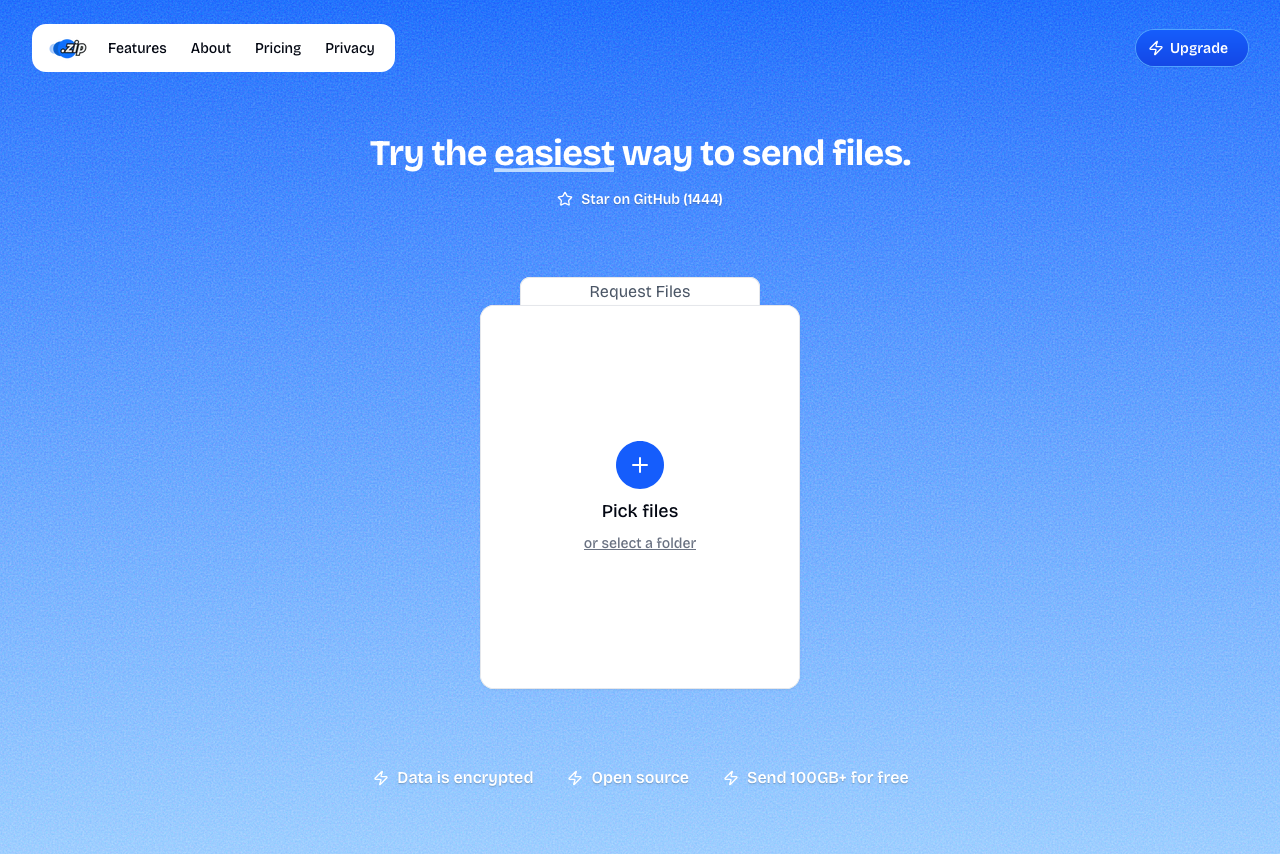 Transfer.zip homepage: one card, the same speed for everyone
Transfer.zip uses a calm primary gradient, one upload card, and a "Star on GitHub" link as the only social proof. No upgrade banner sitting in your peripheral vision while you work.
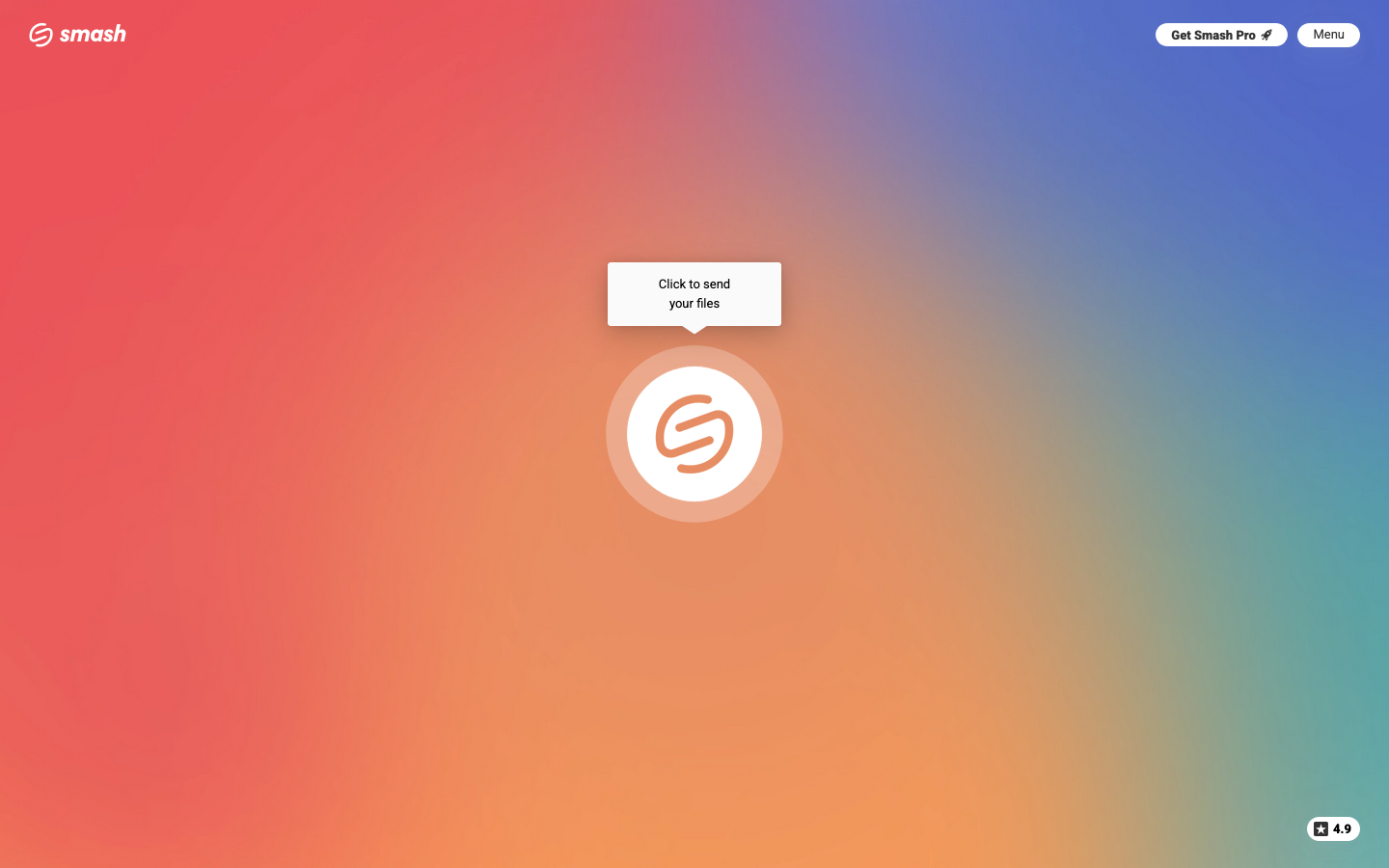 Smash's homepage: clean upload card, but a Get Smash Pro button sits in the corner and anything over 2 GB falls into a queue lane
Smash nails the surface too: clean card, simple flow. The "no fluff" promise starts unravelling once your file exceeds 2 GB and you find out about the queue lane, or once you check the source and find there isn't one to check.
Simplicity in the UI is half the story. Simplicity in what's happening behind the file is the other half.
Side-by-side
| Feature | Transfer.zip | Smash |
|---|---|---|
| Free file size | Unlimited (Quick Transfer) | 2 GB fast lane, larger files queued |
| Peak-hour queue | None (streams in real time) | Yes for files over 2 GB |
| Starting paid price | $6/mo | ~€6/mo |
| End-to-end encryption | Yes | Yes |
| No AI training on uploads | Yes | Yes |
| Third-party trackers on landing page | None | Google Analytics |
| Open source | Yes | No |
| Max file size (paid) | 1 TB | 1 TB |
| Max Retention (paid) | 365 days | 30 days |
| Custom branding | Yes | Yes |
| Custom domain | yes | Yes |
| Self-hosting | Yes | No |
Where Transfer.zip wins
No queue, ever
Transfer.zip's Quick Transfer sends files straight from your browser to the recipient's. The file never sits on our servers, which means there's nothing to queue and no shared lane to wait in. A 50 GB upload at 4pm Friday moves at the speed of your internet, not Smash's traffic lights.
Smash files over 2 GB drop into a "regular lane" that throttles during peak hours.
Open source
Every line of Transfer.zip is on GitHub: the website, the server, the encryption. You can read it, audit it, or run it on your own domain. Smash is closed-source, so you have to take their word for how things work.
No third-party trackers
Smash markets itself on privacy, but the homepage loads googletagmanager.com, Google's tracking system. That means Google gets to see who's visiting Smash and what they do on the site, before Smash even gets a chance to.
For a service that pitches data privacy, the silent Google handoff is a strange first impression.
Transfer.zip's homepage doesn't load Google Tag Manager, Google Analytics, or any other third-party tracker. The only analytics we use is a self-hosted Umami instance running on our own server. Your visit goes to us, not to anyone else.
Longer retention out of the box
Transfer.zip's Pro plan keeps files for up to 365 days. Smash's Team tier typically caps at 30 days; you need a higher plan for longer retention.
Comparable entry pricing, more included
Both services are competitively priced on entry plans (Transfer.zip $6/mo, Smash ~€5/mo). The differentiator is what comes with that price: Transfer.zip Starter includes 14-day retention, 200 GB transfers, view tracking, and unlimited free Quick Transfers on the side.
Where Smash is competitive
- Polished UI. Smash's homepage and brand are well-designed; it's a pleasant product to use.
- European-based with strong privacy posture (Transfer.zip also operates with privacy-first defaults).
- Established customer base in creative industries.
Who should pick what
- You send huge files during business hours → Transfer.zip's browser-to-browser handoff avoids the queue.
- You need the longest retention possible → Transfer.zip (365 days vs Smash's typical 30).
- You have auditing or self-hosting requirements → Transfer.zip is the only one with public code.
- You're already paying for Smash and happy with it → No urgent reason to switch, but worth testing Quick Transfer for one project to see the difference.
Ready to try? Send your first file with Transfer.zip, no queue.