Why look beyond WeTransfer?
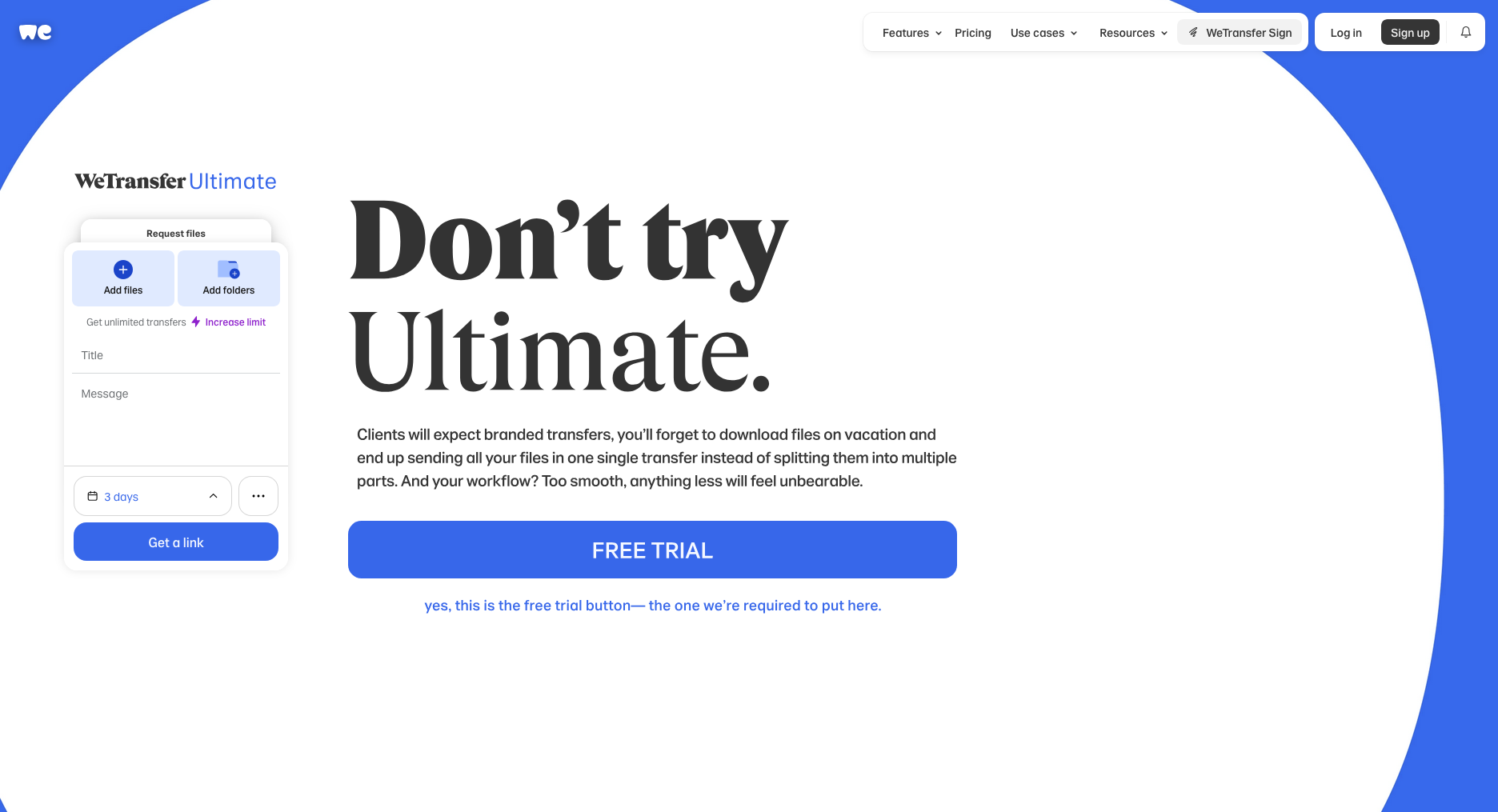 A screenshot of WeTransfer's upload screen.
WeTransfer sparked outrage in mid-July 2025 when it quietly updated its terms of service to allow training machine learning models on user-uploaded files. The controversial clause granted the company broad rights to reproduce, modify, and create derivative works from uploaded content. Though WeTransfer walked back the changes after public backlash, the incident damaged trust with creative professionals who rely on file transfer services.
In addition, WeTransfer's free tier has become increasingly restrictive: the cap is now 3 GB per transfer, links expire after 3 days, and since December 2024 you're limited to 10 transfers per month. If you routinely send RAW photos, 4K footage, or full project folders, those ceilings hurt.
The upload screen itself has also picked up clutter: an "Increase limit" upsell inside the form, a notification bell, a promo for the separate "WeTransfer Sign" product, and four dropdown menus before you've added a single file.
1. Transfer.zip - Unlimited real-time transfers plus affordable cloud plans
Transfer.zip offers something unique: truly unlimited real-time transfers for free (file size is unlimited when expiry is set to "tab is closed"), plus paid cloud storage plans starting with a 7-day free trial.
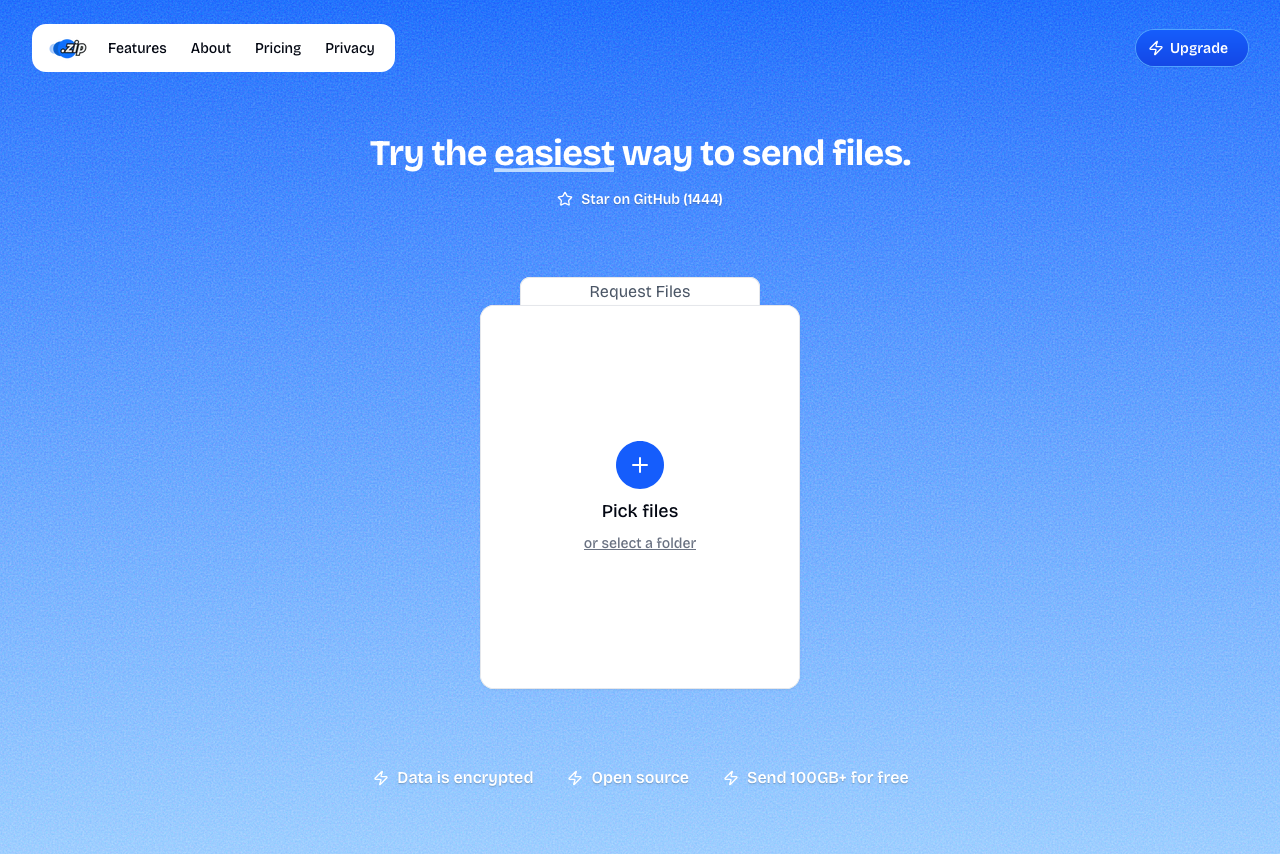 A screenshot of Transfer.zip homepage.
The Quick Transfer feature streams files between devices in real time, end-to-end encrypted - perfect for immediate delivery of massive files without any queue or waiting. For users who need cloud storage, paid plans support uploads up to 1 TB with files retained for up to 365 days - the longest retention period in this comparison.
The open-source platform includes analytics, custom branding, and professional features at prices significantly lower than competitors.
- 1 TB max file size on paid plans
- 365-day retention - longest available
- Unlimited free real-time transfers (no queue)
- 7-day free trial of all paid features
- Open source and transparent
- Competitive pricing with storage included
- Quick Transfer requires both users online
- Newer service with smaller user base
2. Smash - Queue system holds back free users
 A screenshot of the Smash landing page.
Smash markets "unlimited" file sizes, but free users sending anything over 2 GB face an "economy" queue during busy hours, leading to delays of several hours. Paid plans remove the queue and increase limits to 250 GB (Pro) or 1 TB (Team).
- Clean UI without ads
- Public API available
- Outlook and Chrome extensions
- Queue system frustrates free users
- 1 TB only available on Team plan
- Shorter 30-day retention vs competitors
3. 4Shared - Old-school cloud storage with heavy ads
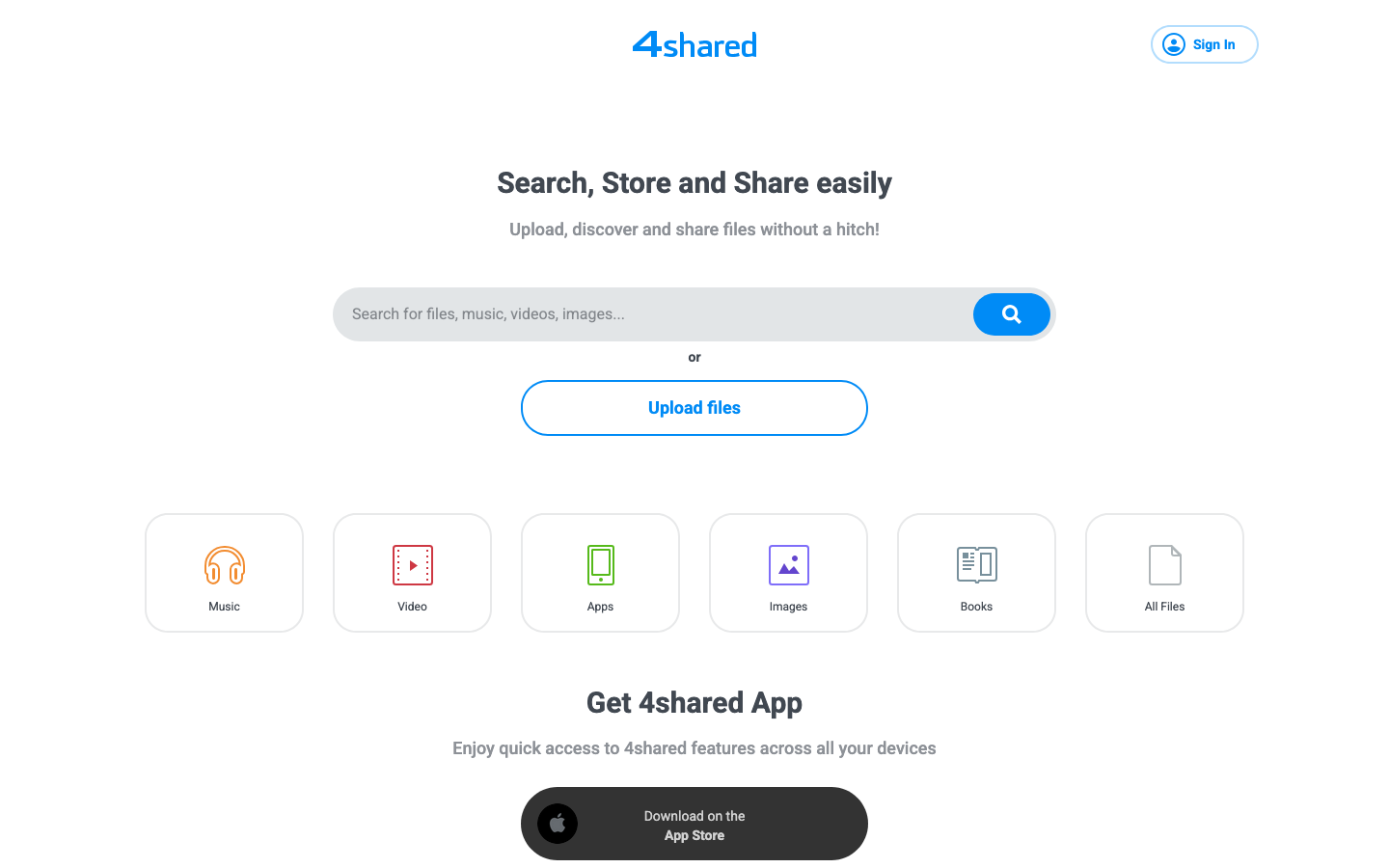 A screenshot of the 4Shared landing page.
4Shared is primarily a cloud storage service, not a dedicated file transfer tool. Free accounts get 15 GB storage and 2 GB per file, but files are deleted after 180 days of inactivity. Premium ups this to 100 GB storage and 5 GB per file, but ads plague the free experience.
- Long retention if account stays active
- WebDAV and FTP access
- Social features and collaboration
- Slow website on (when we tested it in January 2026)
- Ad-heavy interface
- Mandatory registration
- Files deleted after 180 days inactivity
- Cloud storage model, not transfer-focused
4. TransferNow - EU-hosted with strong privacy
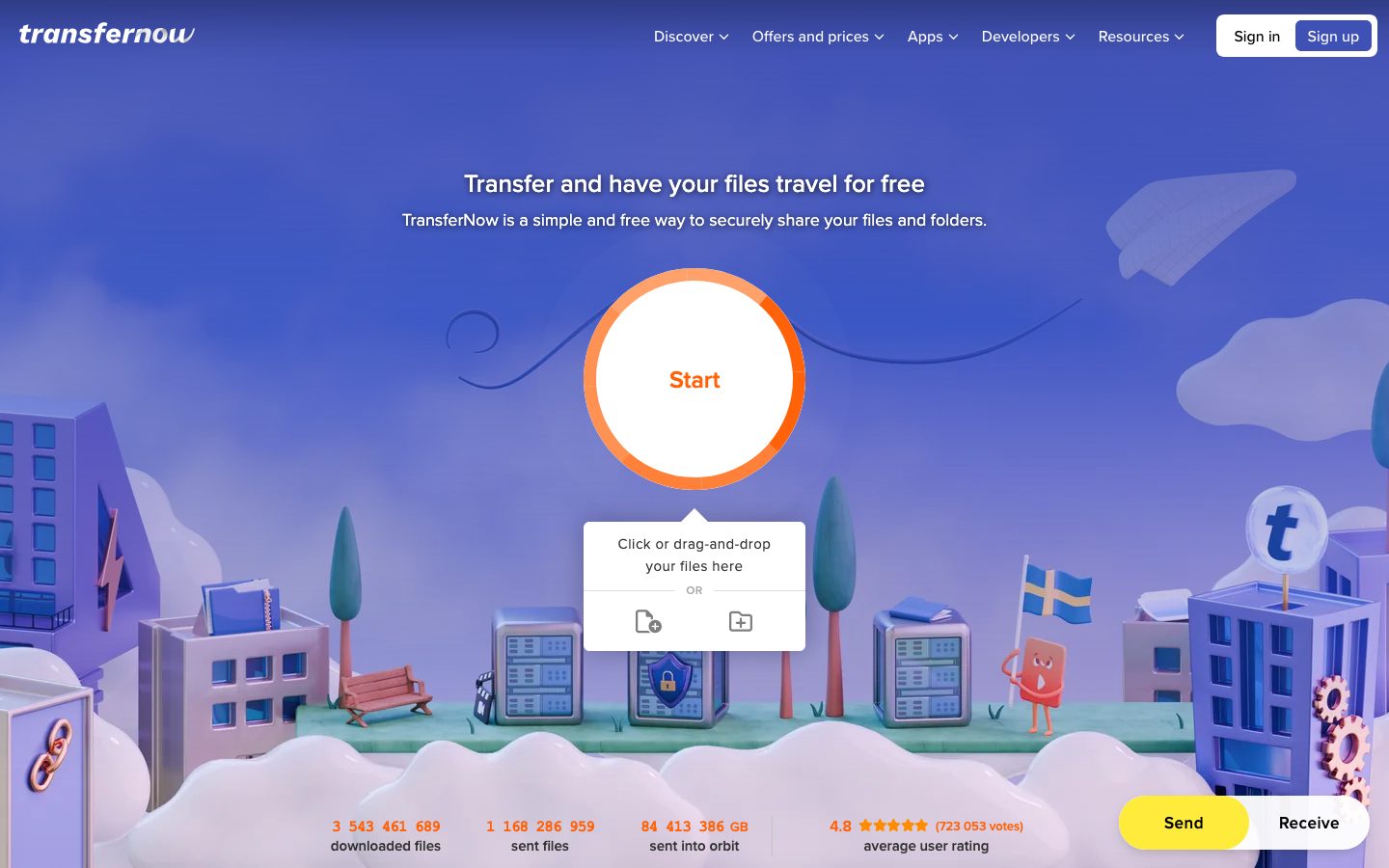 A screenshot of the TransferNow landing page. It looks kinda cool but cluttered in our opinion.
TransferNow offers 5 GB free transfers with 7 days retention. Paid Premium and Team plans stretch to 250-500 GB per transfer with up to 365 days retention. EU-hosted servers and antivirus scanning add security, plus free password protection.
- Free password protection
- EU-hosted servers
- Antivirus scanning included
- Up to 365-day retention on paid plans
- 10 recipients max on free tier
- Smaller file limits than competitors
5. Send Anywhere - Capped at 50 GB even when paying
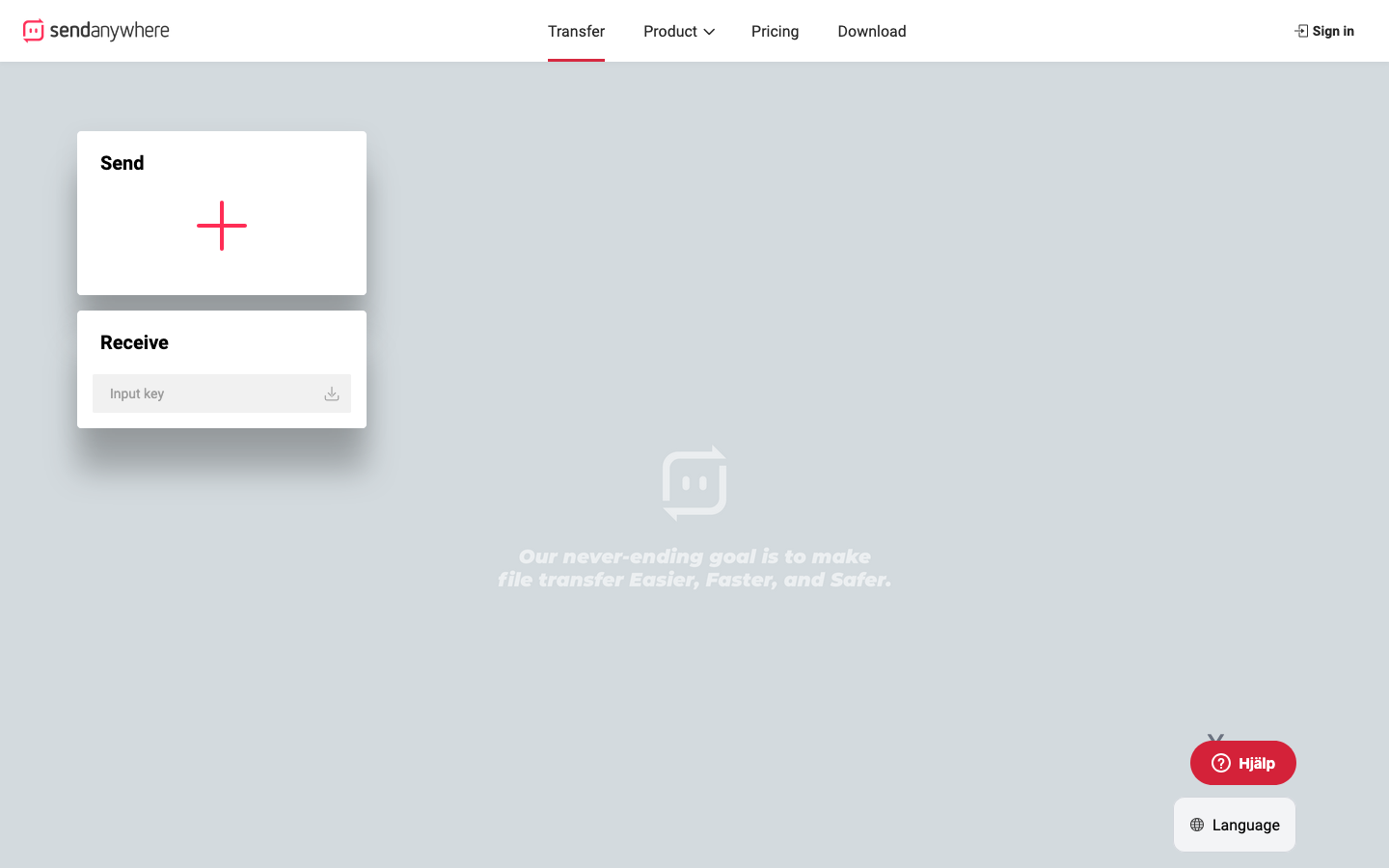 A screenshot of the Send Anywhere landing page.
Send Anywhere's unique selling point is its 6-digit key system for real-time P2P transfers (up to 50 GB). However, even paid plans ($5.99-9.99/month) cap link transfers at just 20-30 GB and impose monthly download limits (200-500 GB).
- Real-time P2P via 6-digit codes
- Cross-platform apps
- Quick device-to-device transfers
- 50 GB maximum even on paid plans
- Monthly download data caps (200-500 GB)
- Intentionally slower speeds on free tier
- Short 48-hour retention
- Ads on free version
6. pCloud Transfer - No paid option available
pCloud Transfer is a basic tool, not a comprehensive service. It's permanently locked at 5 GB with 7-day retention - even pCloud paying customers can't upgrade transfer limits. For larger files, you'd need a full pCloud storage account (separate pricing).
- Browser-side encryption option
- Clean, ad-free interface
- No paid transfer-specific plans
- 5 GB hard limit for all users
- Must purchase full cloud storage for larger transfers
- No business features
7. FileMail - Unlimited size but expensive
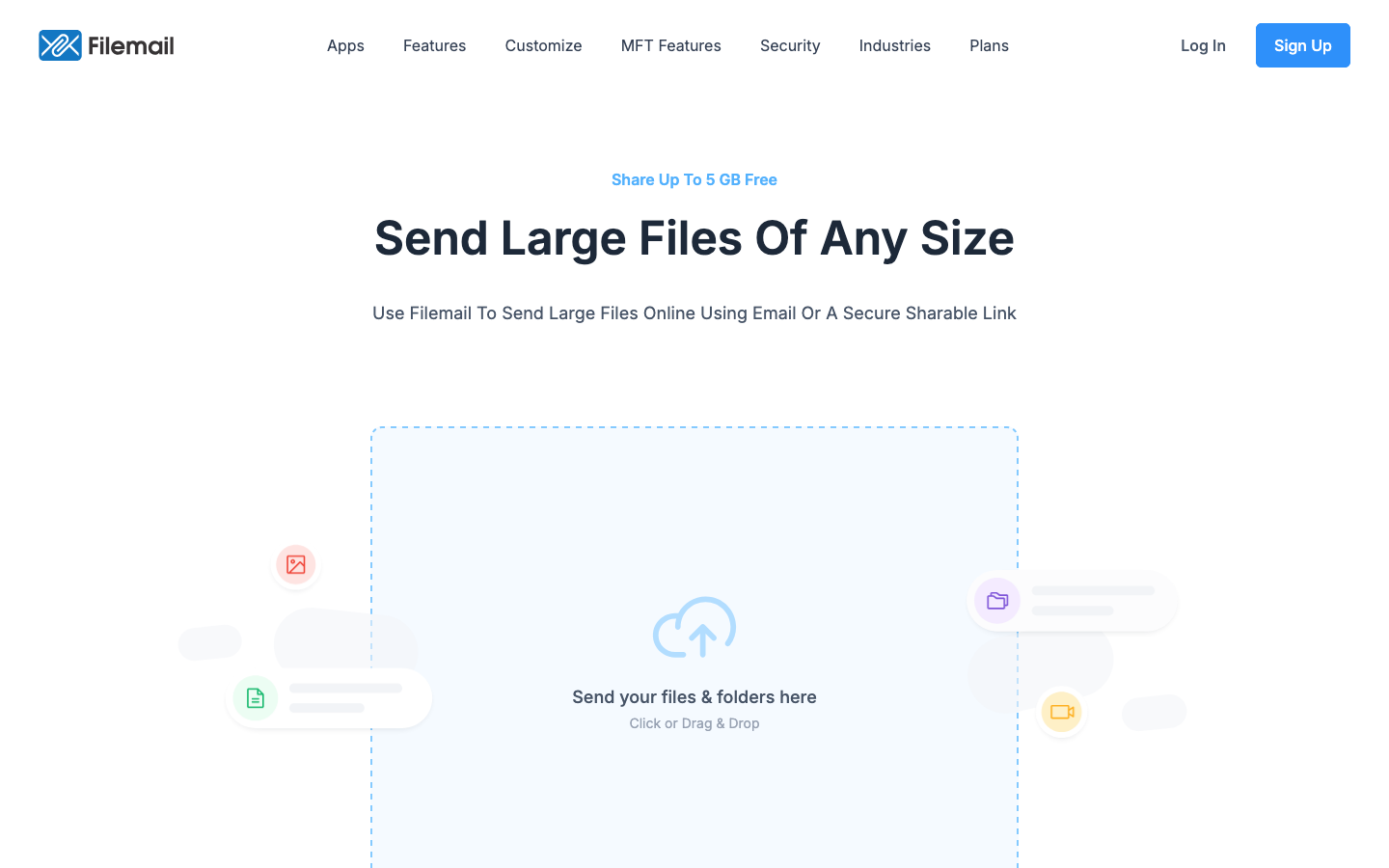 A screenshot of the FileMail landing page.
FileMail's Pro plan ($20/month) allows 250 GB transfers, while Business and Enterprise plans offer truly unlimited file sizes. UDP acceleration provides faster speeds than browser-based competitors. However, at $20/month minimum, it's among the priciest options for individual users.
- Truly unlimited on Business/Enterprise
- UDP acceleration for speed
- Resumable transfers
- Strong compliance features
- Expensive: $20/month minimum
- Free tier heavily restricted (2 transfers/day)
- Unlimited requires expensive Business plan
- No password protection on free tier
8. TransferXL - Daily caps frustrate paid users
TransferXL offers 5 GB free transfers with a 10 GB daily limit. Paid plans (€9.99-19.99/month) increase limits to 100-200 GB but maintain annoying daily and monthly caps. End-to-end encryption is included, but ads clutter the free experience.
- End-to-end encryption by default
- Server location choice (EU/US/Asia)
- Thumbnail previews
- Daily limits even on paid plans
- 200 GB maximum on Enterprise
- Ads on free tier
- No password protection available
- No storage included
9. SwissTransfer - Free forever, but no upgrade path
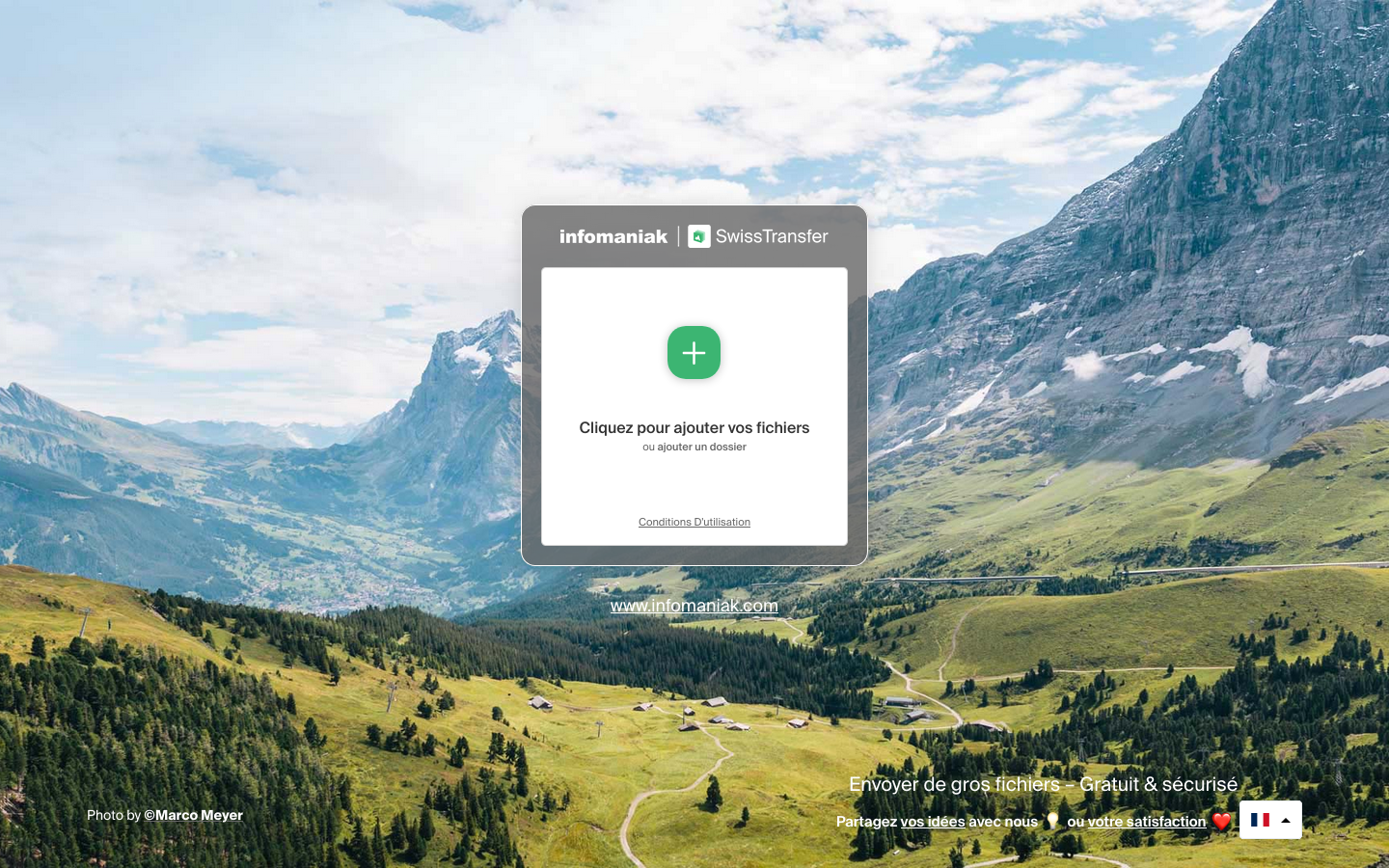 A screenshot of the SwissTransfer landing page. Has looked the same for many years.
SwissTransfer allows 50 GB transfers with 30-day retention under Swiss privacy laws. It's completely free with no paid plans, making it unsuitable for users who need larger files, extended retention beyond 30 days, or business features like branding and analytics.
- 50 GB free limit
- 30-day retention
- Swiss privacy protection
- Password protection included
- No paid plans or upgrade options
- Cannot exceed 50 GB regardless of need
- Maximum 20 recipients per transfer
- Download limits per transfer
- No business features available
WeTransfer Alternatives at a Glance (Paid Plans)
| Service | Max file size | Starting price | Retention | Storage | Stand-out detail |
|---|---|---|---|---|---|
| Transfer.zip | 1 TB | 7-day free trial | 365 days | Included | Unlimited transfers + affordable plans |
| Smash | 250 GB (1 TB Team) | €4.80/month | 30 days | 1-2 TB | Queue system on free tier frustrates users |
| 4Shared | 5 GB | Varies | 180 days | 100 GB | Ad-heavy, cloud storage focus |
| TransferNow | 250-500 GB | €6/month | 365 days | Varies | EU-hosted, antivirus scanning |
| Send Anywhere | 50 GB max (all tiers) | $5.99/month | User-set | 2-5 GB | Download data caps even on paid plans |
| pCloud Transfer | 5 GB (no paid tier) | N/A | 7 days | N/A | Transfer tool only, not a complete solution |
| FileMail | Unlimited (Business) | $20/month | 30-365 days | 1 TB+ | Expensive for individuals |
| TransferXL | 200 GB max | €9.99/month | 90 days | None | Daily limits even on paid plans |
| SwissTransfer | 50 GB (free only) | Free only | 30 days | None | No upgrade path available |
(Baseline: WeTransfer Starter - $6.99/month • 300 GB • 10 transfers/month • 7 days)
Choosing the Right WeTransfer Alternative
If you need:
- Largest files (1 TB) → Transfer.zip offers the highest limit with 365-day retention
- Best value → Transfer.zip's 7-day free trial and competitive pricing beat WeTransfer Starter ($6.99) and FileMail ($20)
- Longest retention → Transfer.zip (365 days) and TransferNow (365 days)
- Truly unlimited → Transfer.zip Quick Transfer (unlimited when expiry = "tab closed") or FileMail Business (expensive)
- No queue or delays → Transfer.zip Quick Transfer or paid plans from any service except Smash
Why Transfer.zip stands out:
- 7-day free trial lets you test 1 TB uploads and 365-day retention risk-free
- Unlimited real-time transfers without queues (when expiry set to "tab closed")
- 365-day retention is the longest available - perfect for client projects
- 1 TB file limit exceeds WeTransfer Starter (300 GB) and most competitors
- Open source means transparent, auditable code
- Lower cost than FileMail ($20) with comparable features
After the AI controversy: WeTransfer lost trust with creative professionals in July 2025. Transfer.zip's open-source approach and explicit "your files stay yours" policy offer peace of mind that proprietary services can't match.
Want more options? See our main file transfer alternatives guide.