Transfer Files
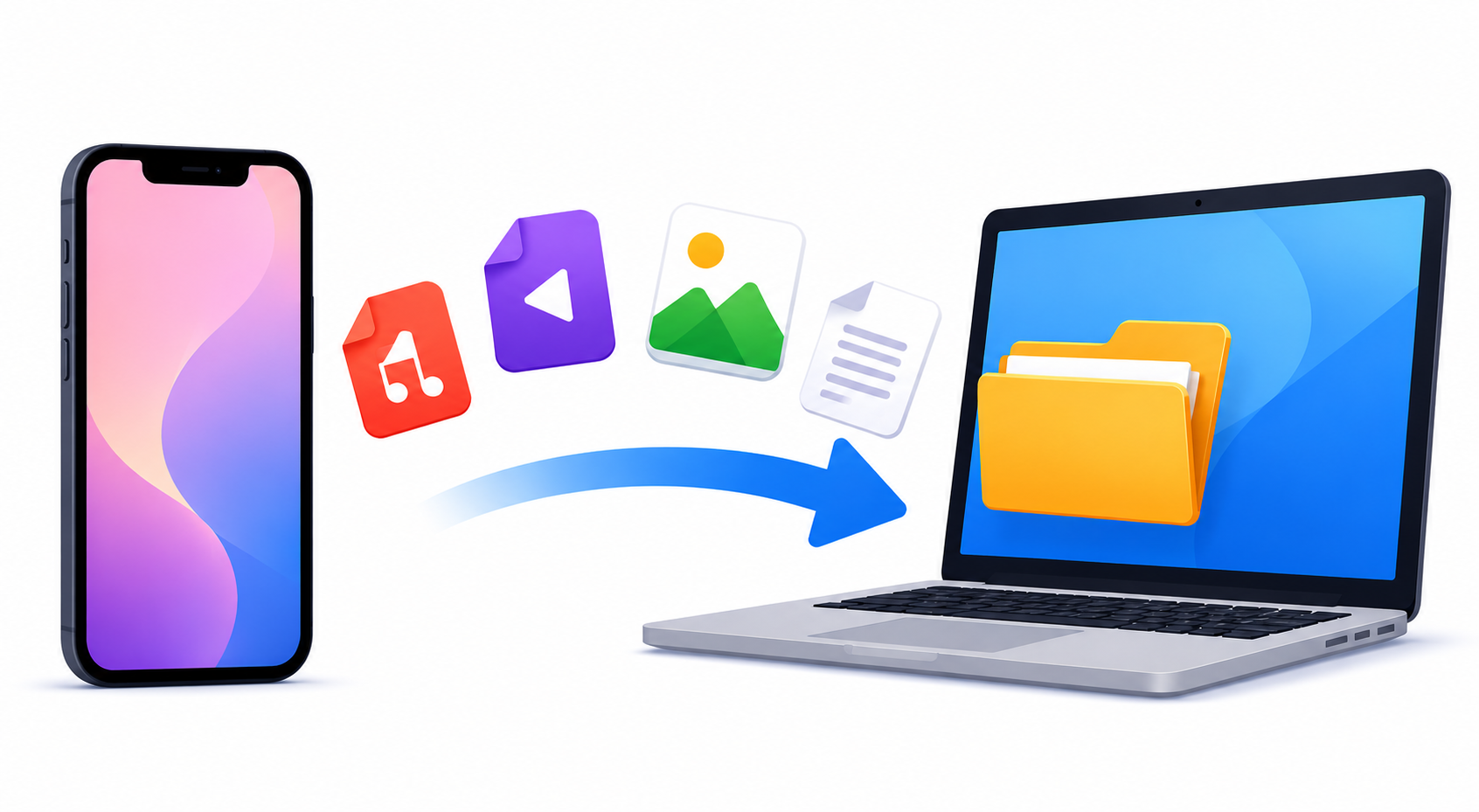
How to Transfer Files from iPhone to PC
Send photos, videos and documents from your iPhone to any Windows PC in seconds. Type a 6-digit code in the browser and the transfer starts, no iTunes or cable needed.
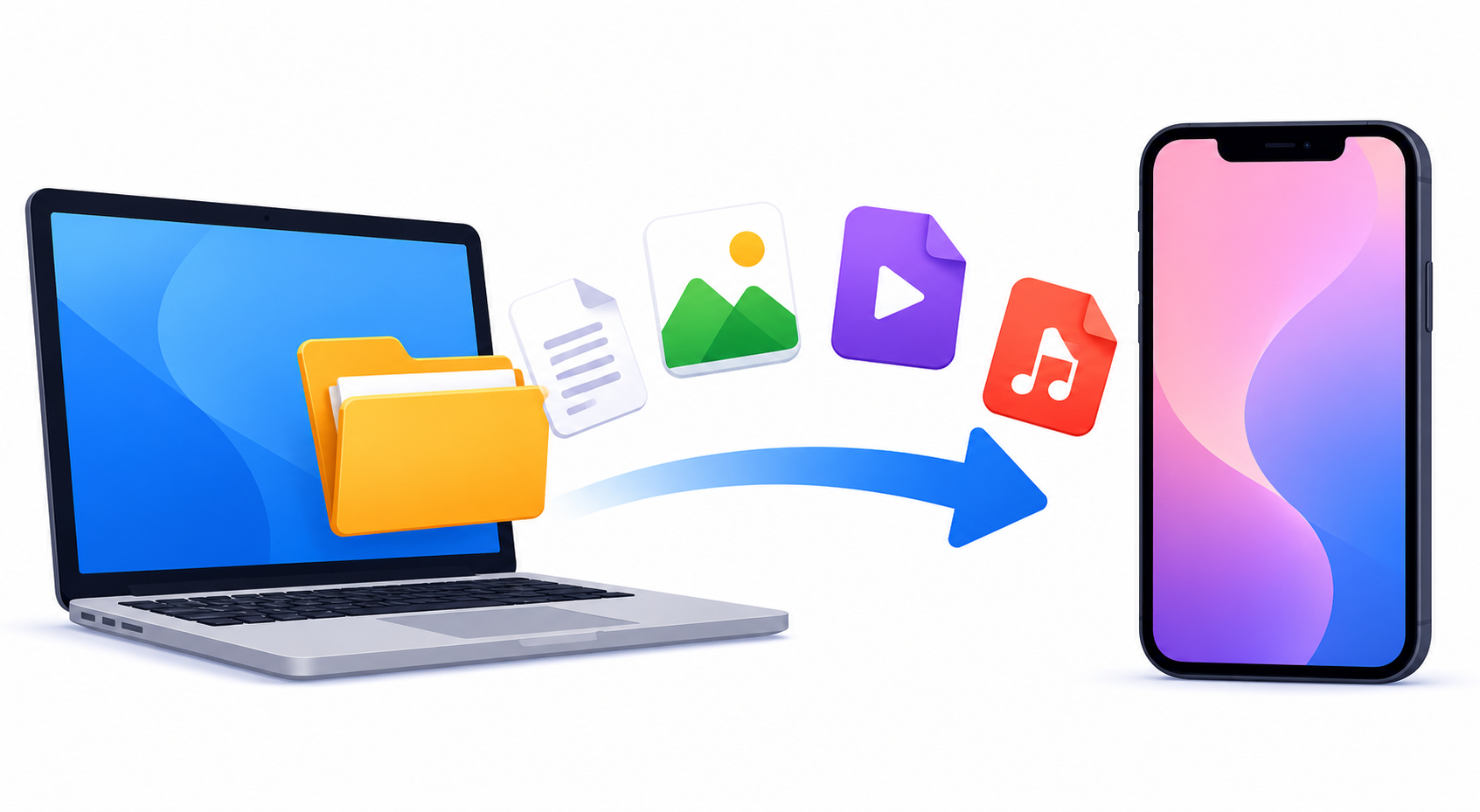
How to Transfer Files from PC to iPhone
Send files from a Windows PC to your iPhone wirelessly, without iTunes or a cable. Scan a QR code or type a short code and the download starts.
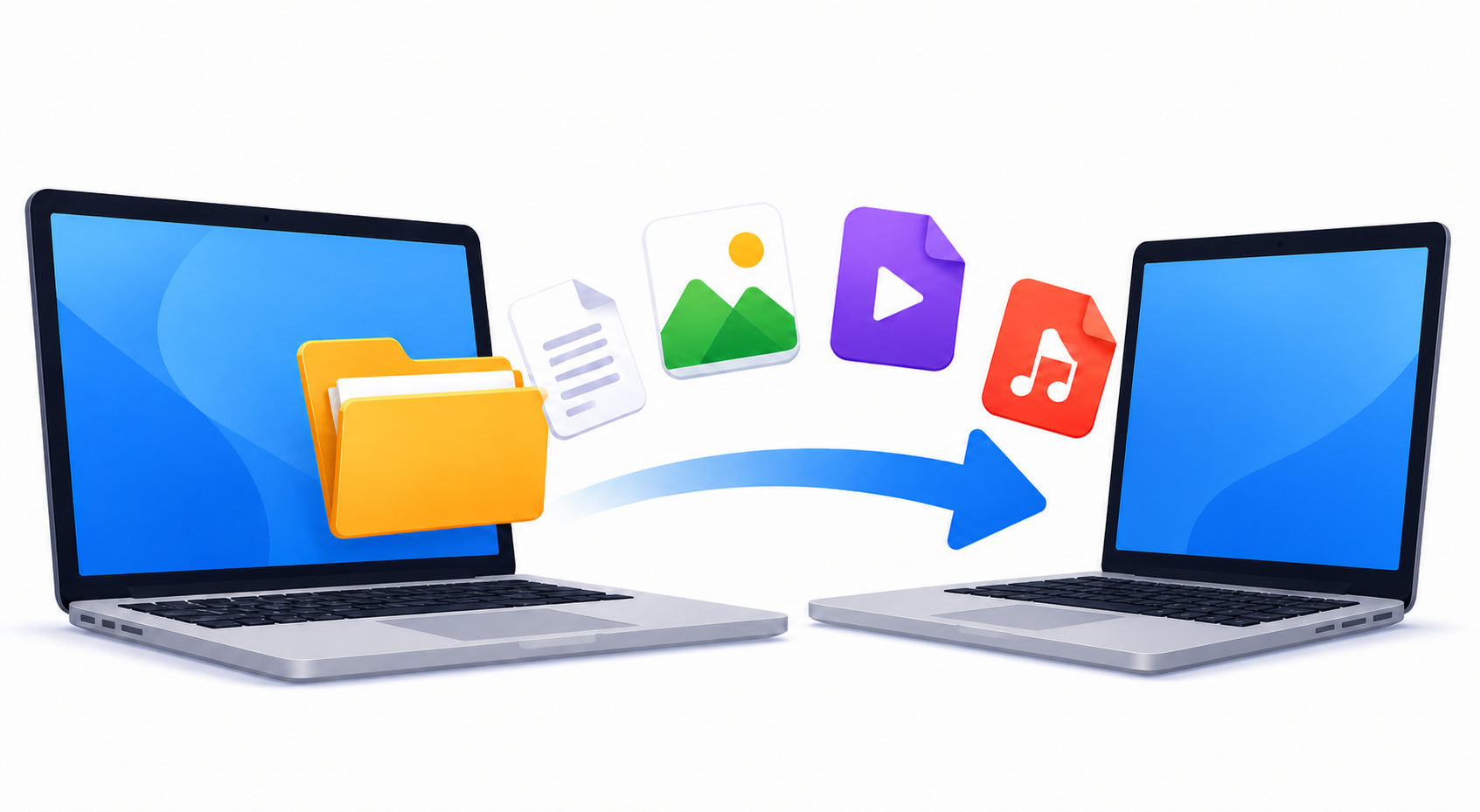
How to Transfer Files from PC to PC
Move files between two computers with your browser. Type a 6-digit code on the other PC and the files transfer directly, no USB stick or cloud upload involved.
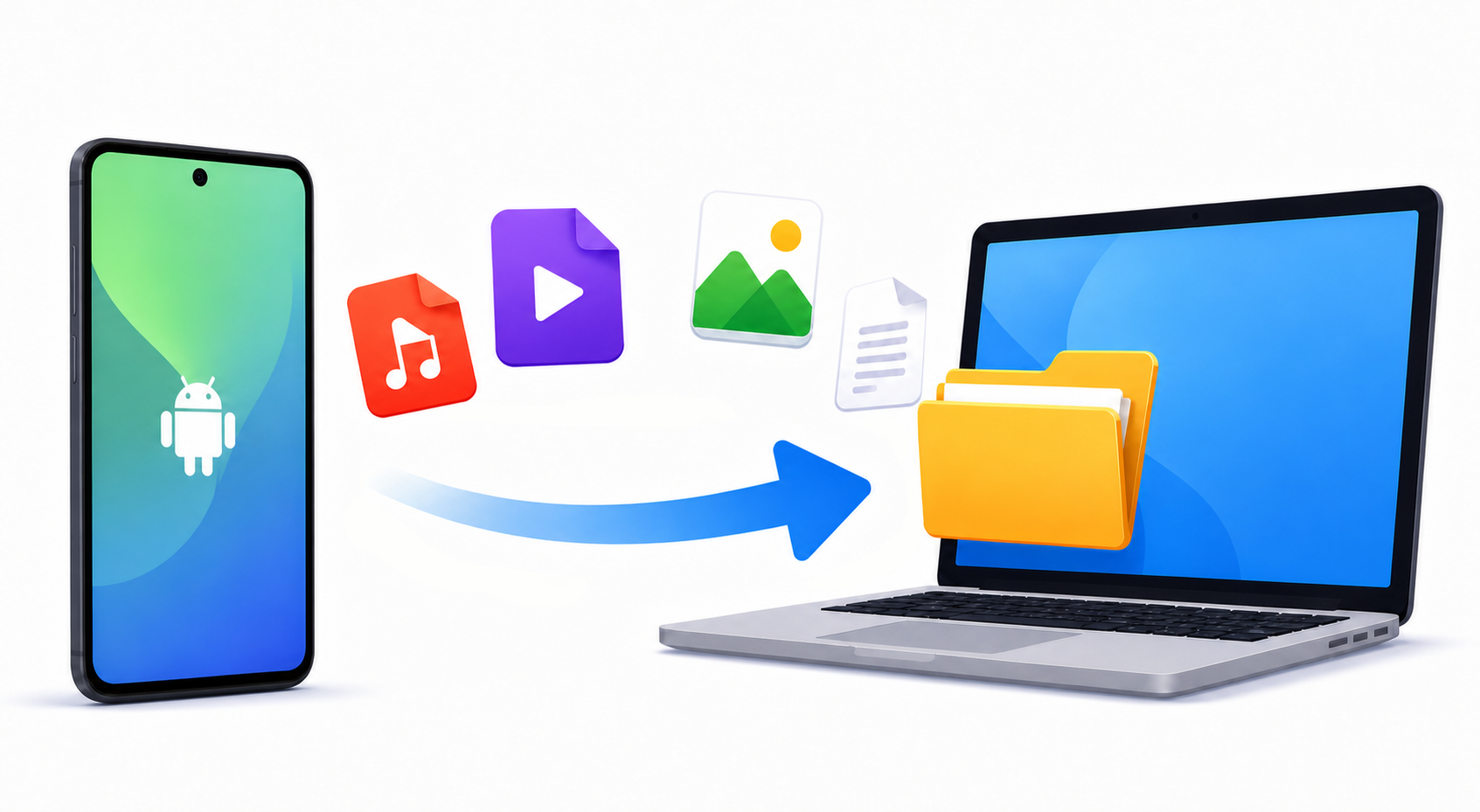
How to Transfer Files from Android to PC
Send photos, videos and files from any Android phone to your computer wirelessly. All it takes is a code typed into the browser, no cable or drivers involved.
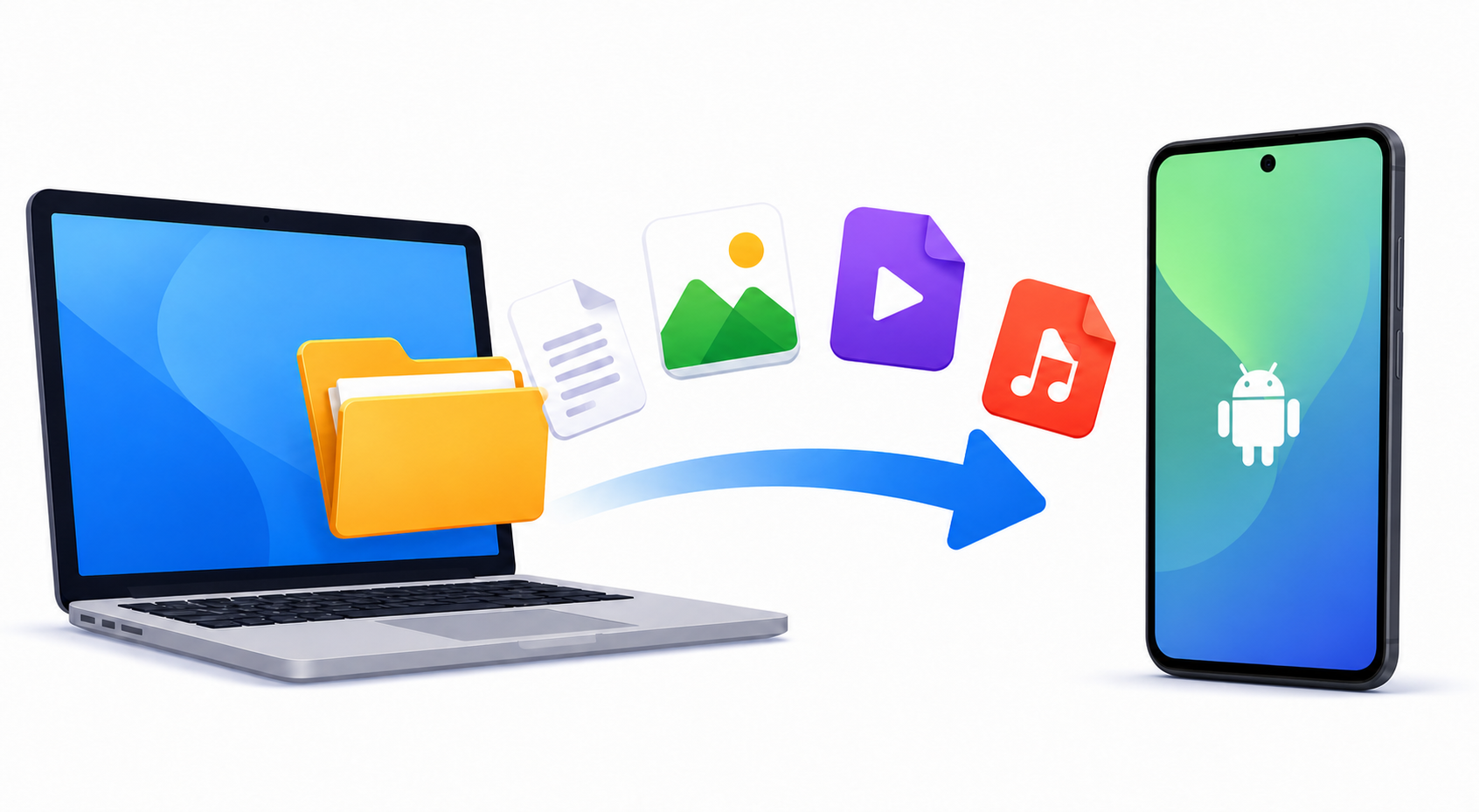
How to Transfer Files from PC to Android
Transfer files from your computer to any Android phone over the internet, no cable or app needed. Scan a QR code or type a short code and the download starts.
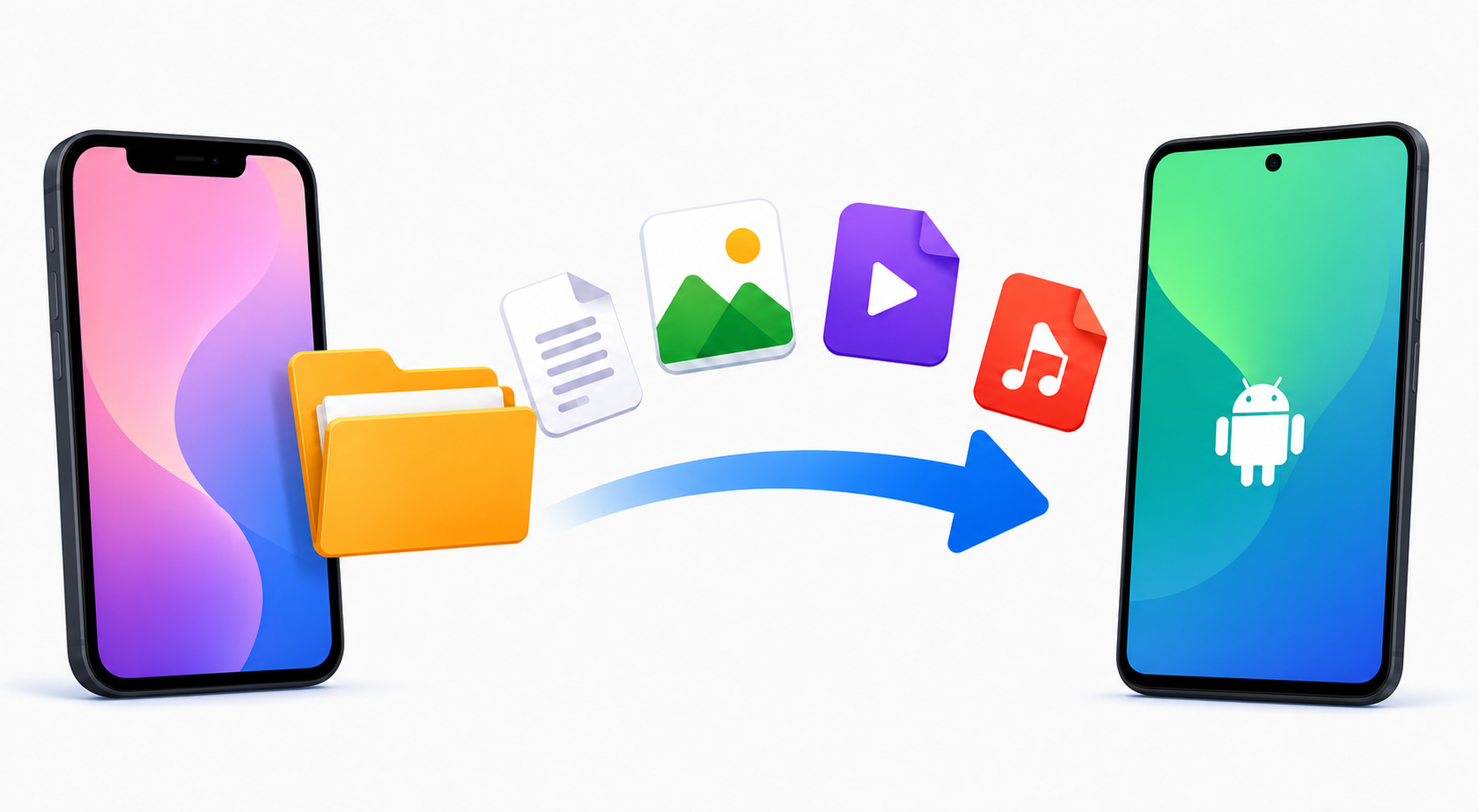
How to Transfer Files from iPhone to Android
AirDrop doesn't work with Android, but this does. Send photos, videos and files from iPhone to any Android phone through the browser, free and without an app.
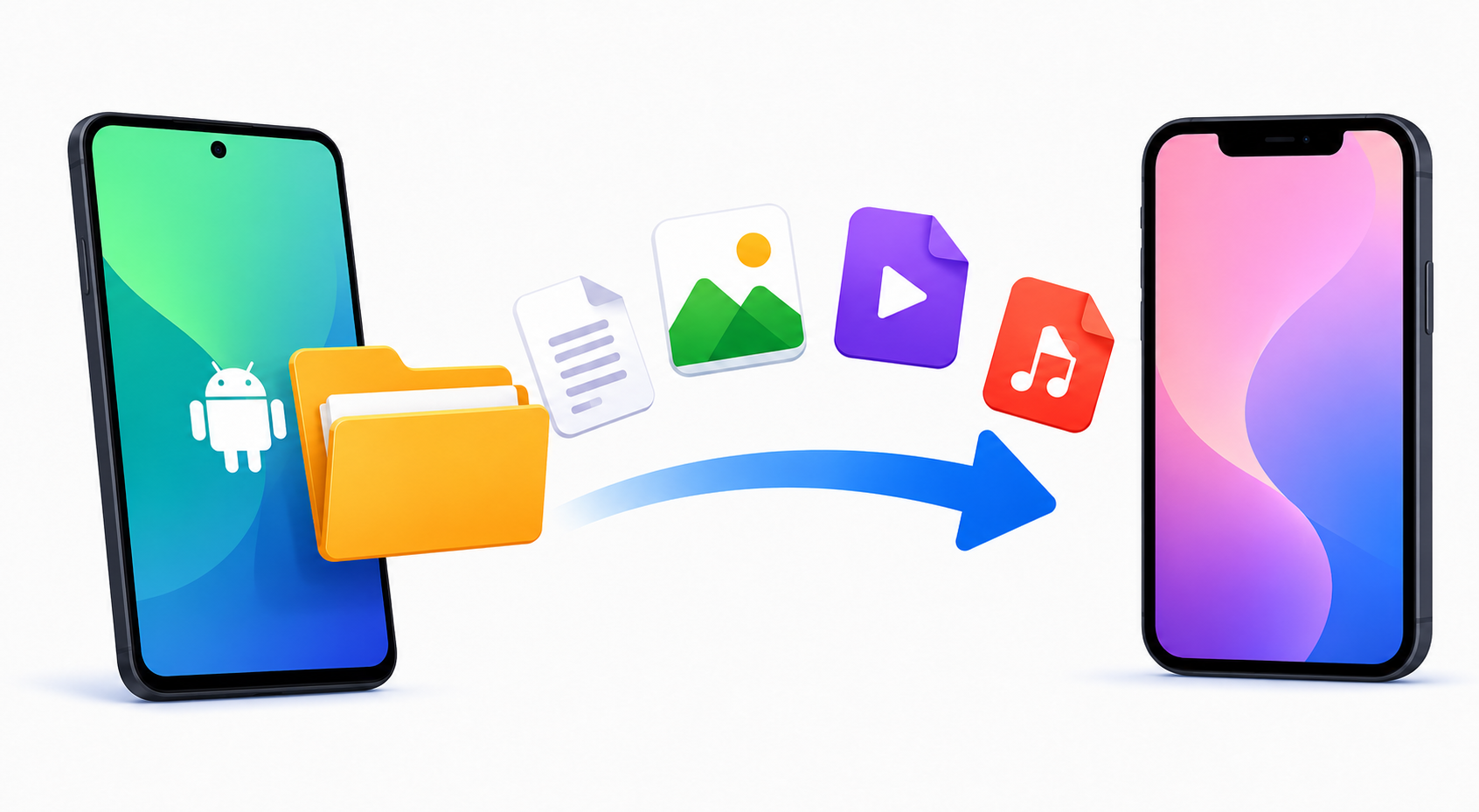
How to Transfer Files from Android to iPhone
Quick Share can't reach an iPhone, and Move to iOS only runs during setup. Send photos, videos and files from any Android phone to an iPhone through the browser instead.

How to Transfer Files from Android to Mac
Google discontinued the Android File Transfer app for Mac. Send photos, videos and files from any Android phone to a Mac through the browser instead, without a cable or an app, at any size.

How to Transfer Files from Mac to PC
There is no official tool for moving files from a Mac to a Windows PC. Stream them directly between the two browsers instead, without formatting a drive or configuring a network share, at any size.

How to Transfer Files from PC to Mac
Apple's Migration Assistant is an all-or-nothing move. To get just the files you want from a Windows PC onto a Mac, stream them through the browser with nothing to install and no size limit.
Send Large Files

How to Send Large Files on Discord without Nitro (2026 Guide)
Discord's 20 MB limit too small? Send files over 20 MB on Discord without Nitro: paste a free Transfer.zip link, boost your server, or split and compress the file.

How to Send Large Files on WhatsApp (2026 Guide)
WhatsApp caps files at 2 GB and compresses every photo and video you send as media. Here's how to send originals in full quality, and how to get past the 2 GB wall entirely.