
So, how can you share files anonymously and safely now? Let's cover why you might care, what to watch out for, and which tools work well for this.
Why Someone Cares About Anonymous File Sharing
Maybe you are:
- An activist or journalist wanting to keep sources safe.
- Sending big personal files and don't want companies tracking everything.
- Working in a company where you want to protect sensitive client info.
- Just tired of cookie banners, tracking, or “sign up” popups.
Privacy matters more in 2026 as online tracking is everywhere and file sizes keep growing. People want simple, private, and unlimited ways to send files, without giving something up or dealing with complicated steps.
Main Ways to Share Files Anonymously
One of the easiest ways today for anonymous sharing is using dedicated services that don't collect your info, don't place tracking cookies, and are built for privacy.
1. Transfer.zip
Transfer.zip is a newer, Open Source service with privacy at the center. Its main strengths:
- No account needed for Quick Transfer mode, and no file size limits at all (even 100GB+ is ok).
- End-to-end encryption, so only you and your recipient can open the files.
- No tracking cookies or forced popups. Your details are not logged.
- Can send by email or as a private link that auto-expires. There is also a dashboard for advanced accounts to track link access, but no personal data is shared.
- Files can be streamed in real time (Quick Transfer), meaning nothing is saved on servers if you don't want.
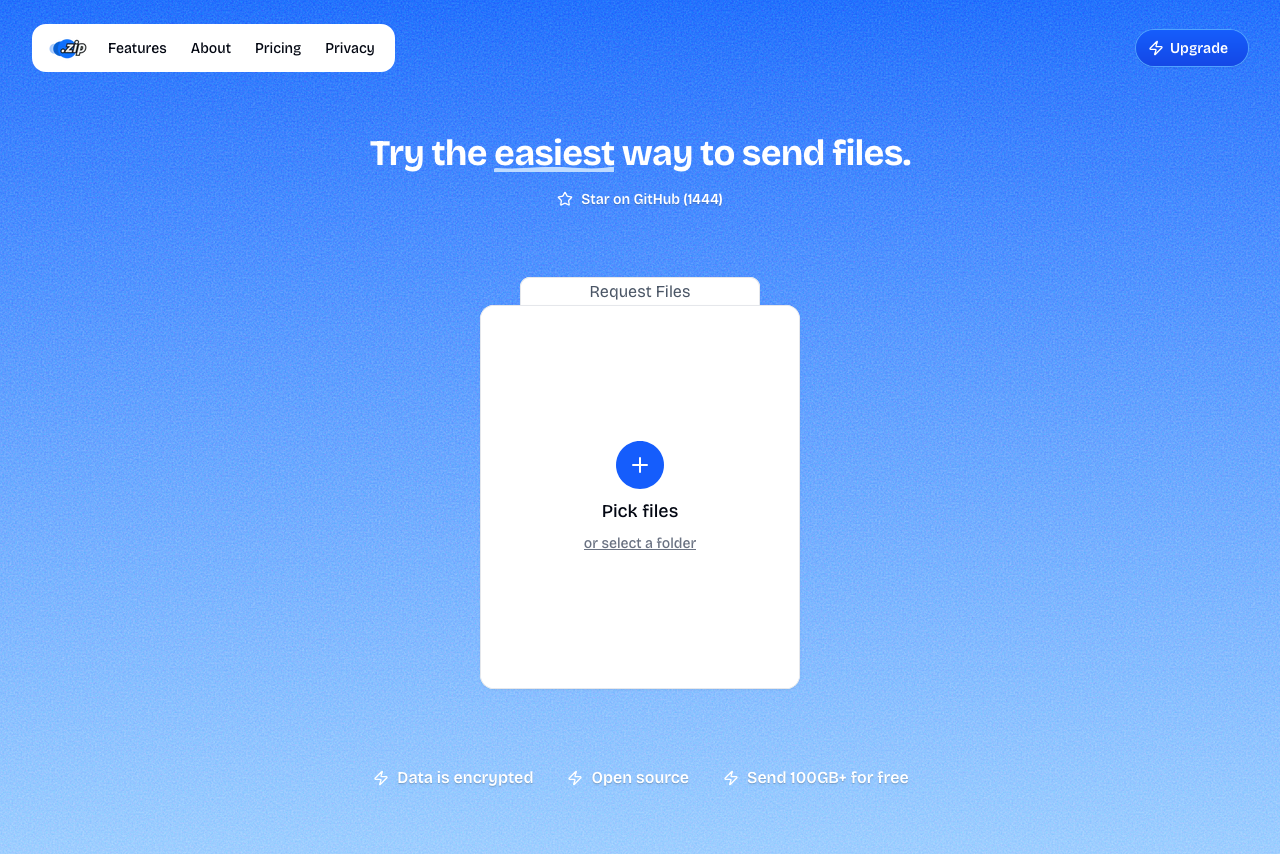 Transfer.zip Screenshot
- Simple
- Very large files
- Very privacy-focused
- No sign up
- Free-forever option
2. Encrypted Messaging Apps
Some apps like Signal or Telegram allow files to be sent with end-to-end encryption and no log of your data if you use a burner account or temporary number.
- Small files (photos, PDFs)
- Chat apps you already use
- Very large files
- Business workflows
- Total anonymity (if tied to a phone number)
3. Self-Hosted Solutions
For tech-savvy people, self-hosted options like Nextcloud let you control your own file sharing with public links and custom expiry.
- Total control
- Must run your own server
- Not easy for casual users
Tips for Anonymous Sharing
- End-to-end encryption - pick a service that encrypts in the browser before upload, so the host can't read your files.
- Temporary links - set short expirations or use a service that auto-deletes after download.
- No account, no email - if a service asks for a "real" email, it's not anonymous.
- Double-check the URL - phishing copies of file transfer sites are common.
FAQ
Is sharing files anonymously legal?
Usually yes, as long as the files are legal. Check local laws.
Can I share large files without signing up? Yes, Transfer.zip lets you do this for free with unlimited file sizes.
How do I know if a service is really anonymous?
Check their privacy policy, look for “no logging”, “no cookies”, and encryption. Try to confirm with third-party reviews.
Is it safer to use apps like Signal for files?
It is good for privacy but there are file size limits. Not ideal for huge files.
How long do files stay online?
Depends on the tool. Some delete files right after download, some let you set expiry, others store for days to a year.
Online privacy is not a given anymore, but sending files without showing your name or data should not be hard. With Transfer.zip for unlimited anonymous uploads with end-to-end encryption, or alternatives like encrypted messaging apps and self-hosted solutions, you have options to share files privately. Keeping files private is your choice, not theirs.