Why leave Smash?
Smash works well for quick, free file transfers under 2 GB, but bigger files enter a waiting queue during peak times. If you need faster transfers, larger file limits, or longer retention, these alternatives can help.
1. Transfer.zip - Instant, limitless transfers plus affordable pricing
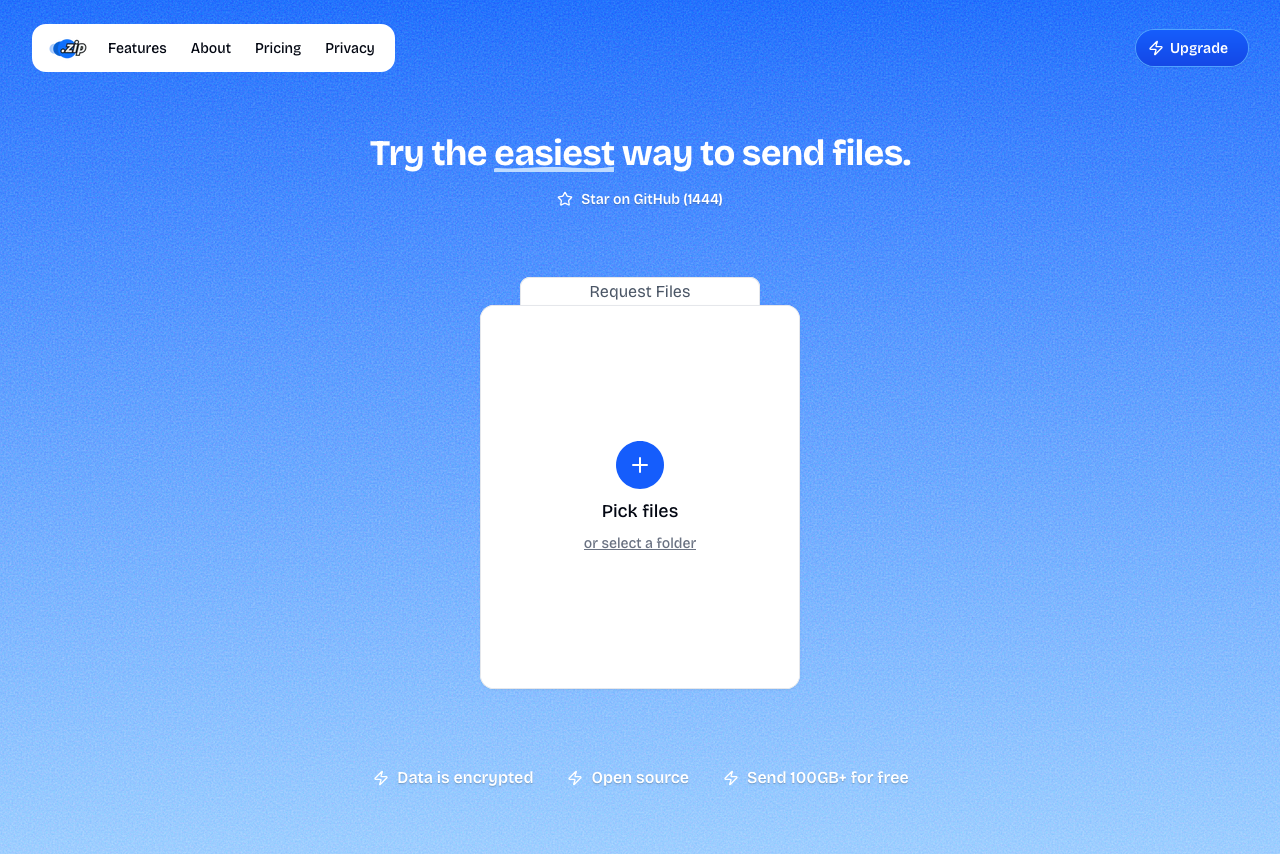 A screenshot of Transfer.zip homepage.
Transfer.zip offers paid plans starting with a 7-day free trial. The services support uploads up to 1 TB with files retained for up to 365 days.
Unlike competitors, Transfer.zip combines real-time transfers (no size limits, no server storage) with affordable cloud storage options. The open-source platform includes analytics, branding customization, and professional features at competitive prices.
- 1 TB file size limit on paid plans
- Up to 365 days retention
- 7-day free trial of paid features
- Unlimited free real-time transfers
- Open source and transparent
- Competitive pricing
- Quick Transfer requires both users online
- Newer service with smaller user base
2. SwissTransfer - No paid upgrade available
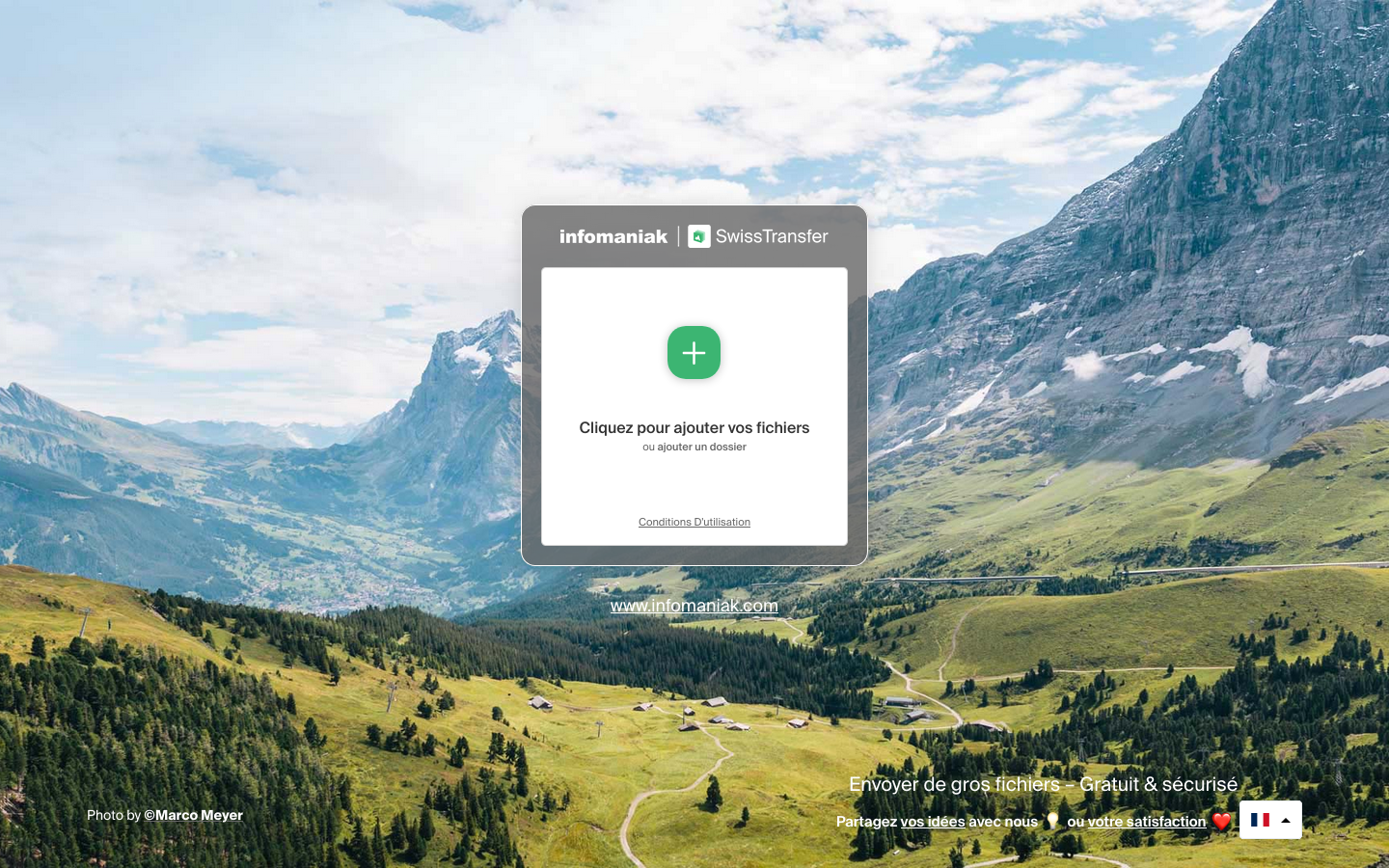 A screenshot of SwissTransfer's homepage.
SwissTransfer operates as a completely free service with no paid plans, making it unsuitable for users who need extended retention beyond 30 days, higher transfer limits beyond 50 GB, or business features like branding and analytics.
- Strong privacy under Swiss law
- 50 GB limit is generous for free
- 30 days retention
- No paid plans or upgrade path
- Cannot exceed 50 GB regardless of payment
- No advanced business features
- Limited to 20 recipients per transfer
- Download limits per transfer
3. Send Anywhere - Premium features at higher cost
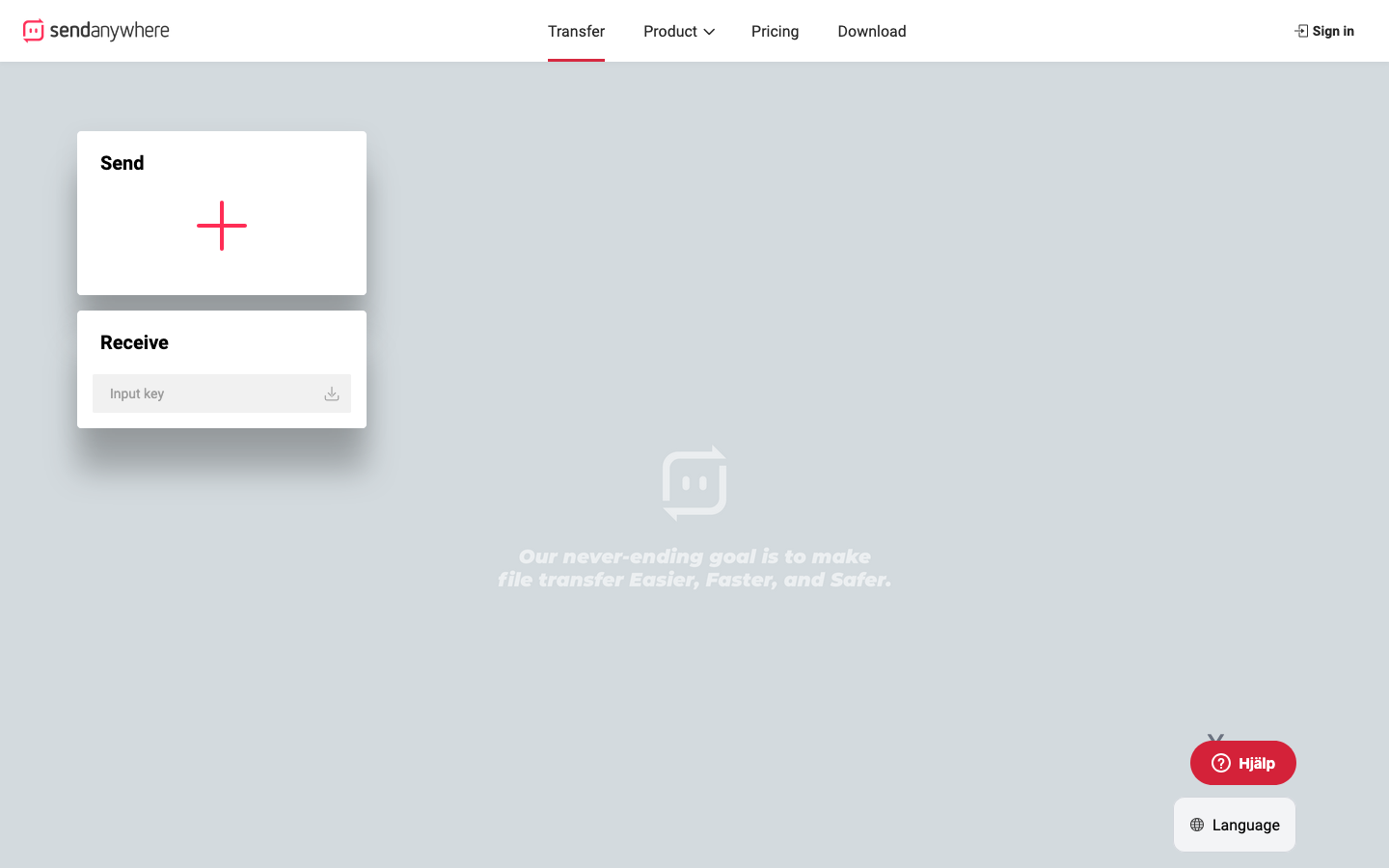 A screenshot of the Send Anywhere landing page.
Send Anywhere's paid plans (Lite $5.99/month, Standard $9.99/month) increase link sizes to 20-30 GB but still cap files at 50 GB via 6-digit keys. Monthly download data limits apply: 200 GB for Lite, 500 GB for Standard.
The service intentionally throttles free tier speeds, pushing users toward paid "faster subscriber-only servers" - a practice that punishes free users rather than simply offering premium features.
- Real-time P2P transfers via 6-digit codes
- Cross-platform apps
- Customizable download pages on paid plans
- Not as "good-looking" and polished as other services
- 50 GB maximum even on paid plans
- Monthly download limits (200-500 GB)
- Intentionally slower speeds on free tier
- More expensive for less storage than competitors
- API access suspended
4. pCloud Transfer - Transfer tool only, not a solution
pCloud Transfer remains locked at 5 GB with 7-day retention even for pCloud paying customers. It's a basic transfer tool, not a comprehensive file transfer service with paid tiers. For larger files, you'd need a full pCloud storage account (separate pricing).
- Browser-side encryption
- Clean interface
- No paid transfer-specific plans
- 5 GB hard limit regardless of pCloud subscription
- Must buy full cloud storage for larger transfers
- No business features for transfers
5. FileMail - Unlimited size but expensive for individuals
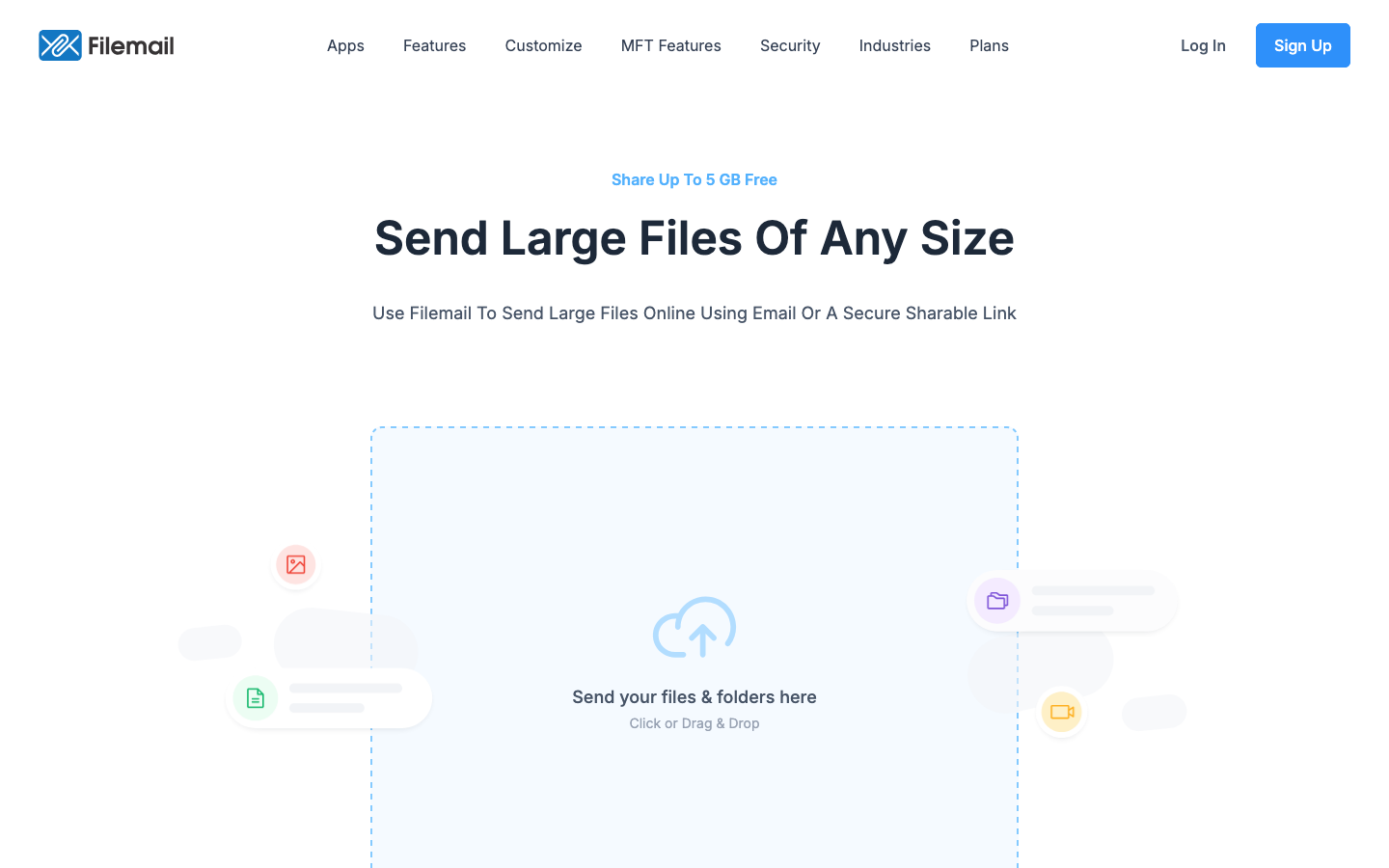 FileMail's landing page looks kind of good.
FileMail's Pro plan ($20/month) allows 250 GB transfers, while Business and Enterprise plans offer truly unlimited file sizes. Files can be retained for 30-365 days depending on the plan. The service includes UDP acceleration and strong business features.
However, at $20/month for individuals and significantly higher for teams, FileMail is among the most expensive options for comparable features.
- Truly unlimited sizes on Business/Enterprise
- UDP acceleration for faster speeds
- Resumable transfers
- Strong business features and compliance
- Expensive: $20/month for Pro plan
- Free tier heavily restricted (2 transfers/day)
- Password protection only on paid plans
- Unlimited sizes require expensive Business plan
Smash Alternatives at a Glance (Paid Plans)
| Service | Max File Size | Starting Price | Retention | Storage | Stand-out Detail |
|---|---|---|---|---|---|
| Transfer.zip | 1 TB | Free 7-day trial | 365 days | Included | Unlimited transfers, affordable pricing |
| SwissTransfer | 50 GB | Free only | 30 days | None | No paid plans available |
| Send Anywhere | 50 GB | $5.99/month | User-set | 2-5 GB | Throttled speeds on free tier |
| pCloud Transfer | 5 GB | N/A | 7 days | Via pCloud | Transfer tool only, cloud storage separate |
| FileMail | Unlimited | $20/month | 30-365 days | 1 TB+ | UDP acceleration, business-focused |
Choosing the Right Smash Alternative
If you need:
- Best value for money → Transfer.zip offers 1 TB files, 365-day retention, and a 7-day free trial at competitive pricing
- Largest files (1 TB+) → Transfer.zip (1 TB) or FileMail Business (unlimited, but expensive)
- Longest retention → Transfer.zip (365 days) or FileMail (30-365 days depending on plan)
- Free option only → SwissTransfer (but no upgrade path available)
- Business features on a budget → Transfer.zip with branding, analytics, and professional tools
Why Transfer.zip stands out:
- 7-day free trial lets you test paid features risk-free
- 1 TB file size limit beats most competitors
- 365-day retention is the longest available
- Combines free unlimited real-time transfers with affordable cloud storage
- Open source and transparent operations
- Responsive customer support
Want more options? See our main file transfer alternatives guide.