Why look beyond Send Anywhere?
Send Anywhere earned its user base with a great idea: pick files, get a 6-digit key, type it on the other device, done. The service still works, but the free tier has tightened over the years. Share links cap at 10 GB and expire after 48 hours, and since 2023 free accounts draw from a 10 GB per month download allowance on links. Ads sit in the free apps, and the old PLUS subscription was discontinued, replaced by an "Email Add-on" plan (Lite around $5.99/month) that mostly buys back monthly download data.
Meanwhile the company behind it (Estmob, acquired by Rakuten) has pointed its energy at Rakuten Drive, a separate cloud product. If you're sending big files regularly, there are better homes for the workflow.
1. Transfer.zip - The 6-digit code experience, without the caps
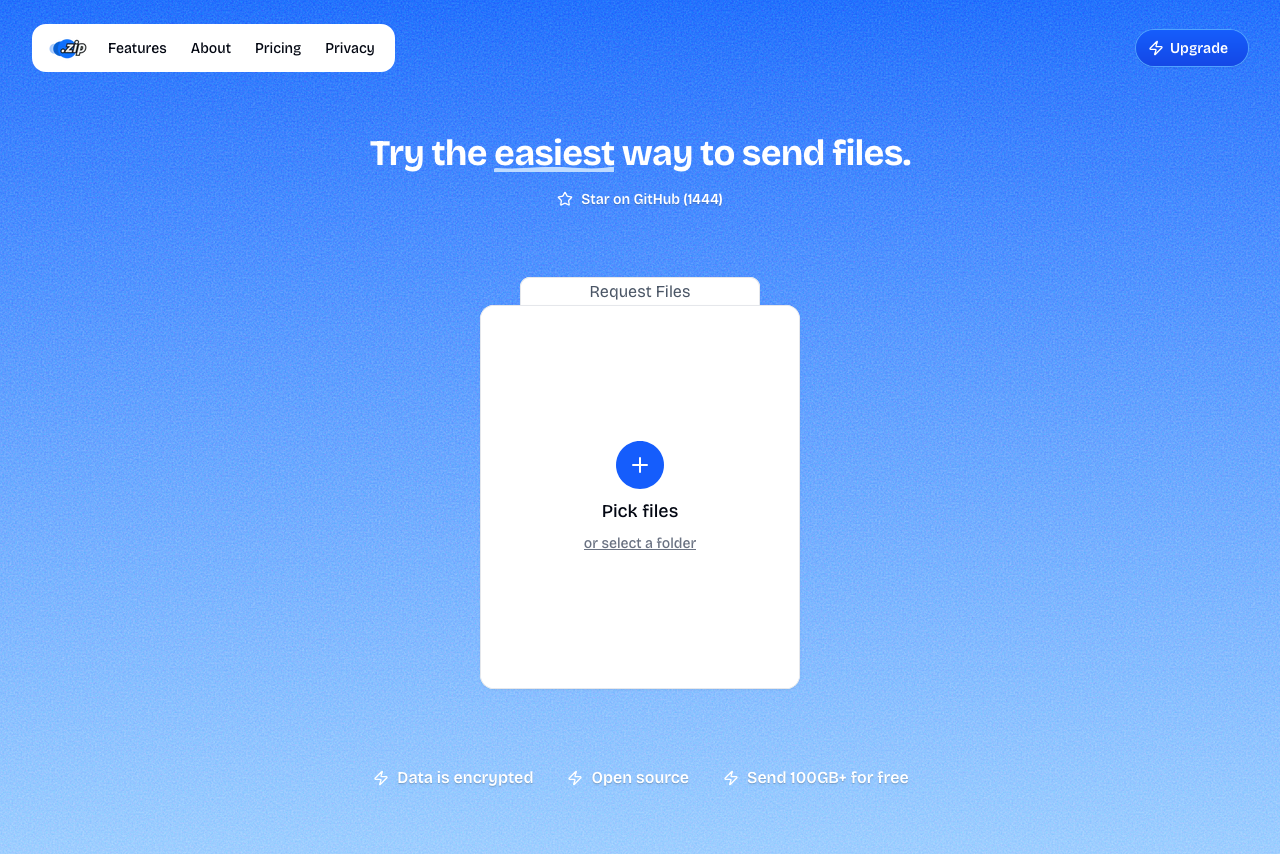 A screenshot of Transfer.zip homepage.
Transfer.zip's Quick Transfer works the way Send Anywhere fans expect: select files, get a 6-digit code (or QR code, or link), enter it on the receiving device, and the transfer starts immediately, device to device. The differences are in what's missing: the size limit, the monthly download allowance, the ads, and the account requirement are all gone.
It's also end-to-end encrypted, which Send Anywhere's link transfers are not, and the whole platform is open source. For stored links that outlive the moment, paid plans go up to 1 TB per transfer with retention up to 365 days.
- 6-digit code and QR pairing, instantly familiar
- No file size limit
- No monthly download caps
- End-to-end encrypted
- Ad-free, no account needed
- Open source
- Real-time mode needs both devices online
- Stored links require a paid plan
2. SwissTransfer - Bigger free links that actually stick around
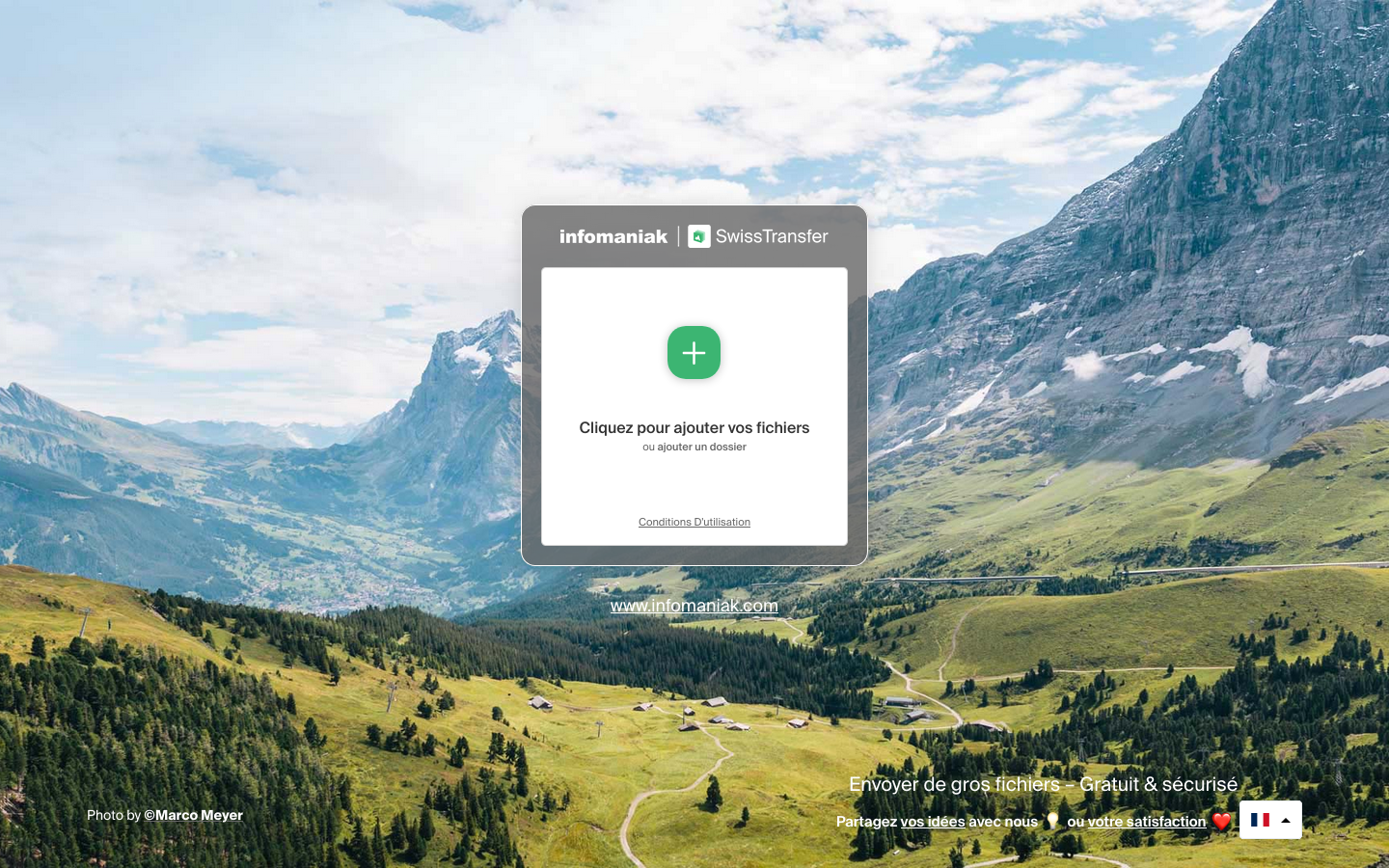 A screenshot of the SwissTransfer landing page.
Where Send Anywhere gives you 10 GB for 48 hours, SwissTransfer gives you 50 GB with links that live up to 30 days, plus optional passwords and download limits. Free, no account, no ads, run by Swiss host Infomaniak. There's no code-pairing workflow and no paid tier, but for pure link sharing it's the most generous free option around.
- 50 GB per transfer, free
- Links last up to 30 days, not 48 hours
- Password protection included
- No ads, no account
- No device-to-device code pairing
- No paid tier for bigger needs
- Upload-then-download, so it's slower than direct transfer
3. TransferNow - Solid link transfers with free passwords
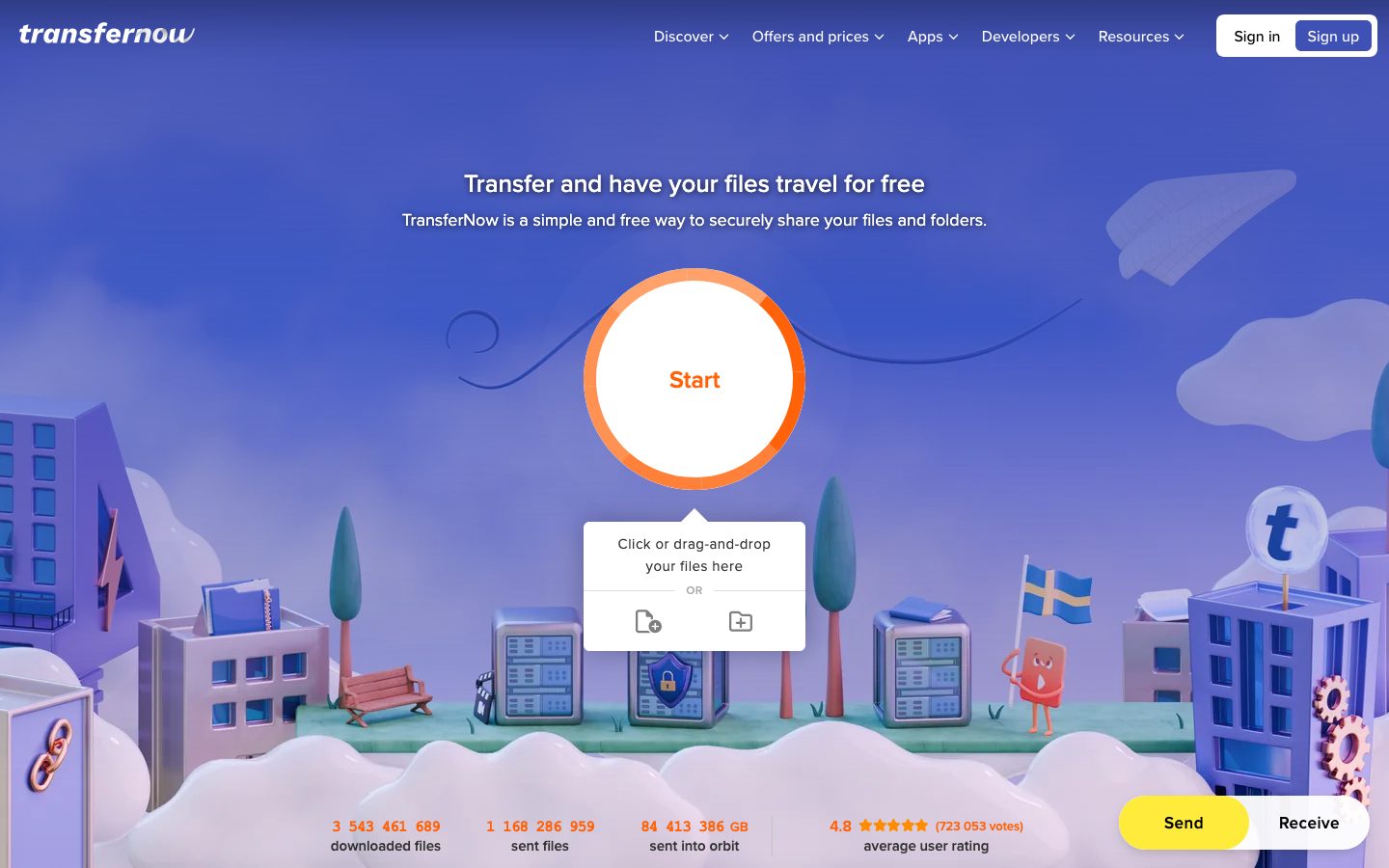 A screenshot of the TransferNow landing page.
TransferNow's free tier does 5 GB per transfer with 7-day retention, up to 3 recipients, and password protection included. Paid plans stretch to 250 GB (Premium) or 500 GB (Team) with availability up to 365 days. EU-hosted with antivirus scanning.
- Free password protection
- No account required for free transfers
- EU hosting and antivirus scanning
- 365-day retention on paid plans
- 5 GB free cap is half of Send Anywhere's
- 3 recipients max on free
- No code-based device pairing
4. LocalSend - Device-to-device, no internet at all
If what you liked about Send Anywhere was moving files between your own devices, LocalSend does it with no server involved whatsoever: open-source apps for every major platform that transfer directly over your local network, even with the internet down. The trade-off is installing the app everywhere and staying on the same network.
- Fully offline, local network only
- Free and open source, no ads
- Apps for Windows, Mac, Linux, Android, iOS
- Both devices need the app installed
- Same network required
- No links for sending to other people
5. Rakuten Drive - The official successor, if you want storage
Rakuten built Rakuten Drive on Send Anywhere's transfer technology, and it shows where the company's attention went. It's a cloud storage product with file-sending on top: free accounts can send sizable transfers, paid plans raise that to 50 GB per send with terabyte-class storage. If what you actually need is a cloud drive that sends files, this is the in-family upgrade. If you just want to move a file from A to B, it's more product than the job requires.
- Built on Send Anywhere's transfer tech
- Storage and transfer in one product
- Backed by a large company
- Cloud-drive workflow, not quick device-to-device
- Requires an account
- Transfer caps still apply per plan
Send Anywhere Alternatives at a Glance
| Service | Free size limit | Free link expiry | Code pairing | Monthly caps | Ads |
|---|---|---|---|---|---|
| Transfer.zip | None (real-time) | Until tab closes / paid links up to 365 days | Yes | None | No |
| SwissTransfer | 50 GB | Up to 30 days | No | Daily transfer cap | No |
| TransferNow | 5 GB | 7 days | No | None published | No |
| LocalSend | None fixed | n/a (direct) | Nearby devices | None | No |
| Rakuten Drive | Plan-dependent | Plan-dependent | No | Plan-dependent | No |
| (Send Anywhere) | 10 GB links | 48 hours | Yes | 10 GB/month on links | Yes |
Choosing the Right Send Anywhere Alternative
If you need:
- The code-pairing workflow without the caps → Transfer.zip, the only one here that keeps the 6-digit code and drops the limits
- Free links that last → SwissTransfer's 50 GB for 30 days beats 10 GB for 48 hours
- Passwords on a free tier → TransferNow or SwissTransfer
- Moving files between your own devices at home → LocalSend, fully offline
- A cloud drive from the same lineage → Rakuten Drive
Why Transfer.zip stands out:
- Keeps the one thing Send Anywhere got right (type a code, transfer starts) and removes everything else: caps, expiry windows, download allowances, ads
- End-to-end encryption that link-based competitors don't offer
- Open source, with a real upgrade path to 1 TB stored transfers when you need links that persist
Want more options? See our main file transfer alternatives guide.