What happened to Snapdrop?
Snapdrop was the go-to "AirDrop in the browser": open two tabs on the same Wi-Fi, and files moved directly between devices over WebRTC. Then, in early 2025, users noticed the site behaving differently, and LimeWire later confirmed it had acquired the project.
The technical change is the part that matters: instead of a direct device-to-device connection, snapdrop.net now uploads your file to LimeWire's servers and hands you a sharing link. What made Snapdrop special is exactly the thing that got removed. The original open-source repository remains public but is effectively frozen under the new ownership.
If you came to Snapdrop for direct, private transfers, here's where to go now.
1. Transfer.zip - Direct transfers that also work across networks
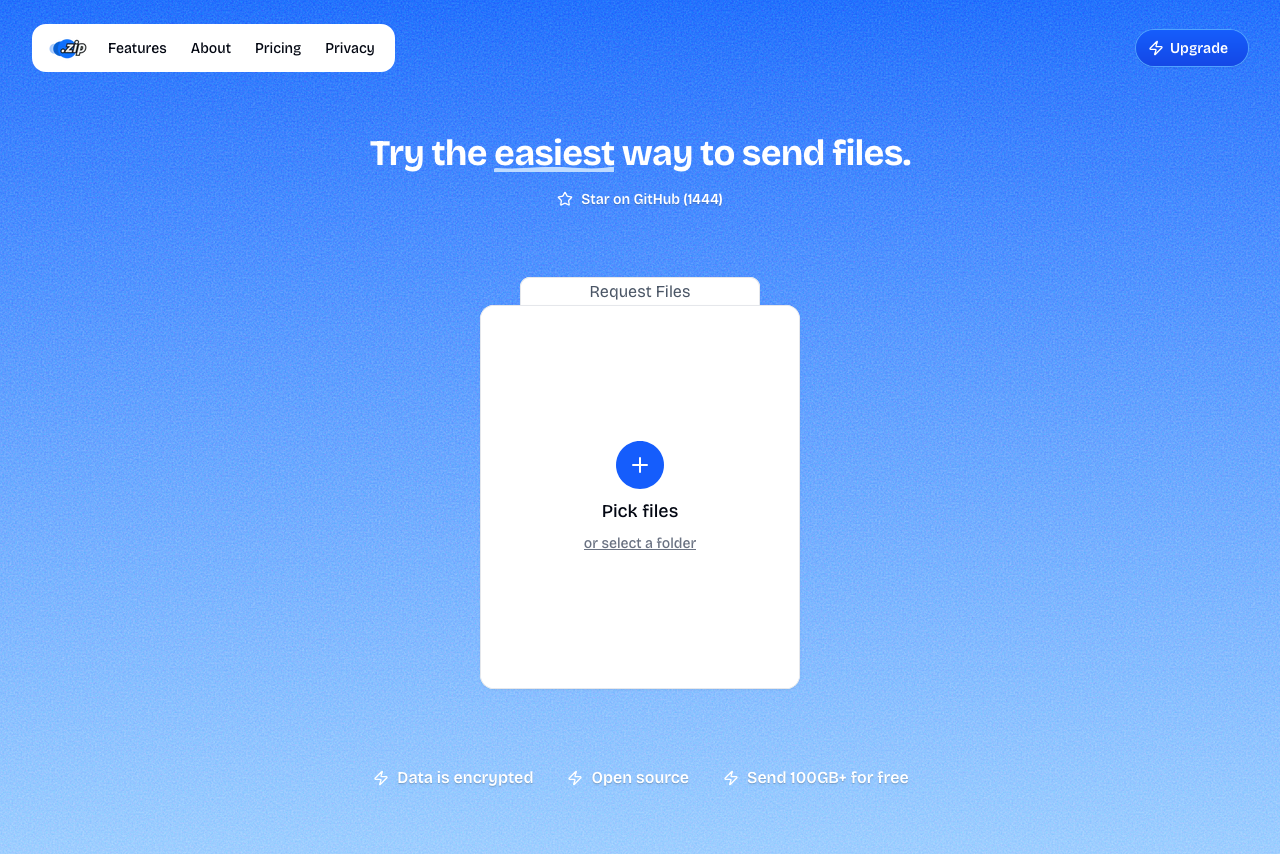 A screenshot of Transfer.zip homepage.
Transfer.zip's Quick Transfer covers the Snapdrop use case and removes its biggest constraint: the two devices don't need to share a Wi-Fi network. Pick your files in the browser, then either scan the QR code, type the 6-digit code on the other device, or send the link. Files stream directly between the browsers, end-to-end encrypted, with no size limit and nothing stored on any server.
Like the original Snapdrop, it's open source, so the "your files don't touch our servers" claim is checkable rather than a promise.
- Works across different networks, not just same Wi-Fi
- End-to-end encrypted by default
- No file size limit
- QR code and 6-digit code pairing
- Open source
- No app or account needed
- Both devices must be online during the transfer
- Stored transfers (for offline recipients) require a paid plan
2. PairDrop - The community fork of the original Snapdrop
PairDrop is what Snapdrop's code became in better hands: a GPL-licensed fork that kept the direct WebRTC transfers and the familiar radar interface. Devices on the same network see each other automatically, and unlike the original, you can also pair devices across networks with a 6-digit code or join a temporary public room.
- Free, open source, actively maintained
- Same-network discovery like classic Snapdrop
- Cross-network transfers via device pairing
- Self-hostable with Docker
- Cross-network use needs a pairing step first
- No stored mode for offline recipients
- Community project, no commercial support
3. LocalSend - An app instead of a browser tab
LocalSend is an open-source app for Windows, Mac, Linux, Android, and iOS that transfers files directly between devices on the same local network, with no internet required at all. The catch is the reason it's third on this list: everyone involved has to install the app first, which is exactly the step Snapdrop existed to avoid.
- Free and open source
- Works fully offline on a local network
- Apps for every major platform
- Requires installing an app on both devices
- Same-network only
- No browser-only option for the other side
4. Quick Share - Built in, if you're on Android and Windows
Google's Quick Share is preinstalled on Android and available as a Windows app (64-bit Windows 10 and up, Bluetooth and Wi-Fi on, devices within a few meters). Between those two platforms it's a solid Snapdrop replacement with nothing to install on the phone side.
The ecosystem walls are the problem: there's no Quick Share for Mac, and it doesn't talk to iPhones.
- Preinstalled on Android
- Official Windows app
- Fast nearby transfers
- No Mac or iPhone support
- Requires Bluetooth and physical proximity
- Windows app setup nudges you toward a Google account
5. AirDrop - If everyone's on Apple
For iPhone-to-Mac and Mac-to-Mac, AirDrop is still the smoothest nearby option: no size limit that Apple documents, direct peer-to-peer connection, already installed. It remains Apple-only, needs Bluetooth and Wi-Fi enabled, and both devices within roughly 10 meters.
- Built into every iPhone, iPad, and Mac
- Direct device-to-device, no server
- No documented size limit
- Apple devices only
- Proximity required
- No Windows, Android, or Linux
Snapdrop Alternatives at a Glance
| Service | Different networks? | Install needed? | Size limit | Open source |
|---|---|---|---|---|
| Transfer.zip | Yes | No, browser only | None | Yes |
| PairDrop | Yes, after pairing | No, browser only | None fixed | Yes |
| LocalSend | No | Yes, both devices | None fixed | Yes |
| Quick Share | No | Windows app only | None fixed | No |
| AirDrop | No | Built into Apple devices | None documented | No |
Choosing the Right Snapdrop Alternative
If you need:
- The same "open a tab and send" experience → Transfer.zip or PairDrop, both browser-based with nothing to install
- Transfers between different networks → Transfer.zip works that way by default; PairDrop needs a pairing step
- Fully offline local transfers → LocalSend, if installing an app on every device is acceptable
- Single-ecosystem sharing → Quick Share (Android/Windows) or AirDrop (Apple)
Why Transfer.zip stands out:
- The devices never need to be near each other or on the same Wi-Fi
- End-to-end encryption by default, with open-source code to prove it
- No size limit, so it replaces Snapdrop for the big files too
- QR and 6-digit code pairing feel instantly familiar to Snapdrop users
Want more options? See our main file transfer alternatives guide.