Two different products wearing the same hat
WeTransfer is a file-sending company. Dropbox Transfer is a file-sending feature, bolted onto a storage subscription. That difference explains almost everything in this comparison: WeTransfer's limits follow its own price ladder, while Dropbox Transfer's limits follow whatever Dropbox plan you happen to have.
Size limits and expiry, per plan
| Max per transfer | Expiry | Password | |
|---|---|---|---|
| Dropbox Basic (free) | 2 GB | 7 days, fixed | No |
| Dropbox Plus / Family | 50 GB | 7 days, fixed | No |
| Dropbox Standard and up | 100 GB | Custom (default 30 days) | Yes |
| Dropbox Business Plus / Enterprise | 250 GB | Custom | Yes |
| WeTransfer Free | 3 GB, 10 per 30 days | 3 days | No |
| WeTransfer Starter ($6.99/mo) | 300 GB per rolling 30 days | 3 days | No |
| WeTransfer Ultimate (~$25/mo) | 1 TB | Custom | Yes |
Patterns worth noticing:
- Consumer Dropbox plans get rigid 7-day expiry and no passwords. Even Plus subscribers paying for 2 TB of storage can't change when a Transfer link dies. Custom expiry and passwords start at the work-tier plans.
- WeTransfer's cheap tier keeps the annoying parts. Starter lifts the size cap dramatically but keeps 3-day expiry and the 10-transfer ration.
- Recipients need no account on either service, which is why both beat "just share a Drive/Dropbox folder link" for one-off delivery.
Where Dropbox Transfer wins
It's already included. If your team pays for Dropbox Standard, you have 100 GB transfers with custom expiry and passwords at no extra cost. Adding a WeTransfer subscription on top would be paying twice.
Cleaner separation from your storage. A Transfer is a snapshot: recipients get a copy, not access to your live folder, and download counts are tracked.
Where WeTransfer wins
It exists apart from a storage plan. You can pay $6.99 and send 300 GB without adopting an ecosystem.
Bigger ceilings at the top. Ultimate's 1 TB per transfer beats anything Dropbox Transfer offers on any plan.
Recipient familiarity. The WeTransfer download page is the most recognized in the category, for what that's worth in client work.
Marks against both: WeTransfer's July 2025 terms-of-service stumble (machine-learning language, retracted after backlash) rattled its core creative audience. Dropbox Transfer's limits-by-plan matrix means most consumer users are stuck with fixed 7-day, password-less links.
Who should pick what
- Already on a paid Dropbox work plan → Dropbox Transfer, it's free money.
- On free Dropbox or a consumer plan → not Dropbox Transfer; 2-50 GB with fixed 7-day expiry and no password is weak. WeTransfer free (3 GB) or a standalone service.
- Sending 100 GB+ regularly without a Dropbox contract → WeTransfer Ultimate, or read on.
The third option
Transfer.zip is a delivery tool without either catch: no storage subscription prerequisite, no transfer ration.
- Free: Quick Transfer moves files of any size browser-to-browser, end-to-end encrypted, no account. Neither Dropbox nor WeTransfer has a real-time mode at all.
- Paid, from $6/mo billed yearly: stored transfers up to 1 TB (Pro) with expiry you control up to 365 days, download tracking, custom branding, and a custom domain. That's Ultimate-class limits at a quarter of the price, with longer maximum retention than either competitor offers anywhere in its lineup.
- Open source, auditable, self-hostable.
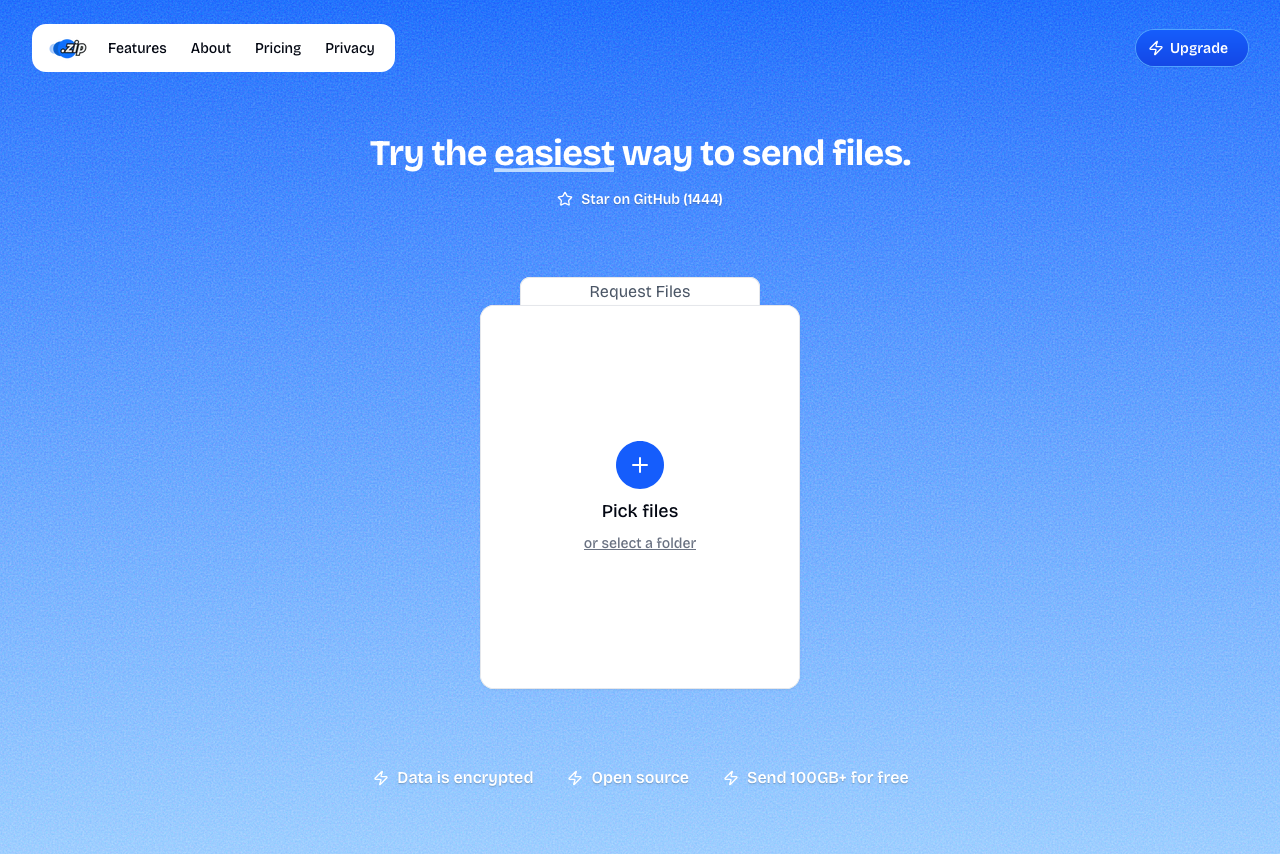 Transfer.zip's homepage.
Related: Transfer.zip vs WeTransfer and the WeTransfer alternatives guide.