
Slack's file limits, including the surprise
Slack allows up to 1 GB per file and 10 files per message. Unlike most tools, the limit is identical on every plan: upgrading to Pro or Business+ buys longer message history, not bigger uploads.
Free workspaces have a second problem that bites later:
On the free plan, messages and files older than 90 days are hidden from view, and content older than one year is permanently deleted. That design file you dropped in #general in March is on a countdown.
So there are really two reasons to reach for a link: files over 1 GB can't be uploaded, and on free workspaces, files under 1 GB quietly expire.
Method 1: Paste a Transfer Link (Any Size, Your Expiry Rules)
- Open Transfer.zip and pick Quick Transfer.
- Select the files or the whole folder, no size limit.
- Paste the link into the Slack channel or DM.
Files stream directly from your machine to whoever clicks, end-to-end encrypted, with no server storage. Colleagues download in the browser, no account needed.
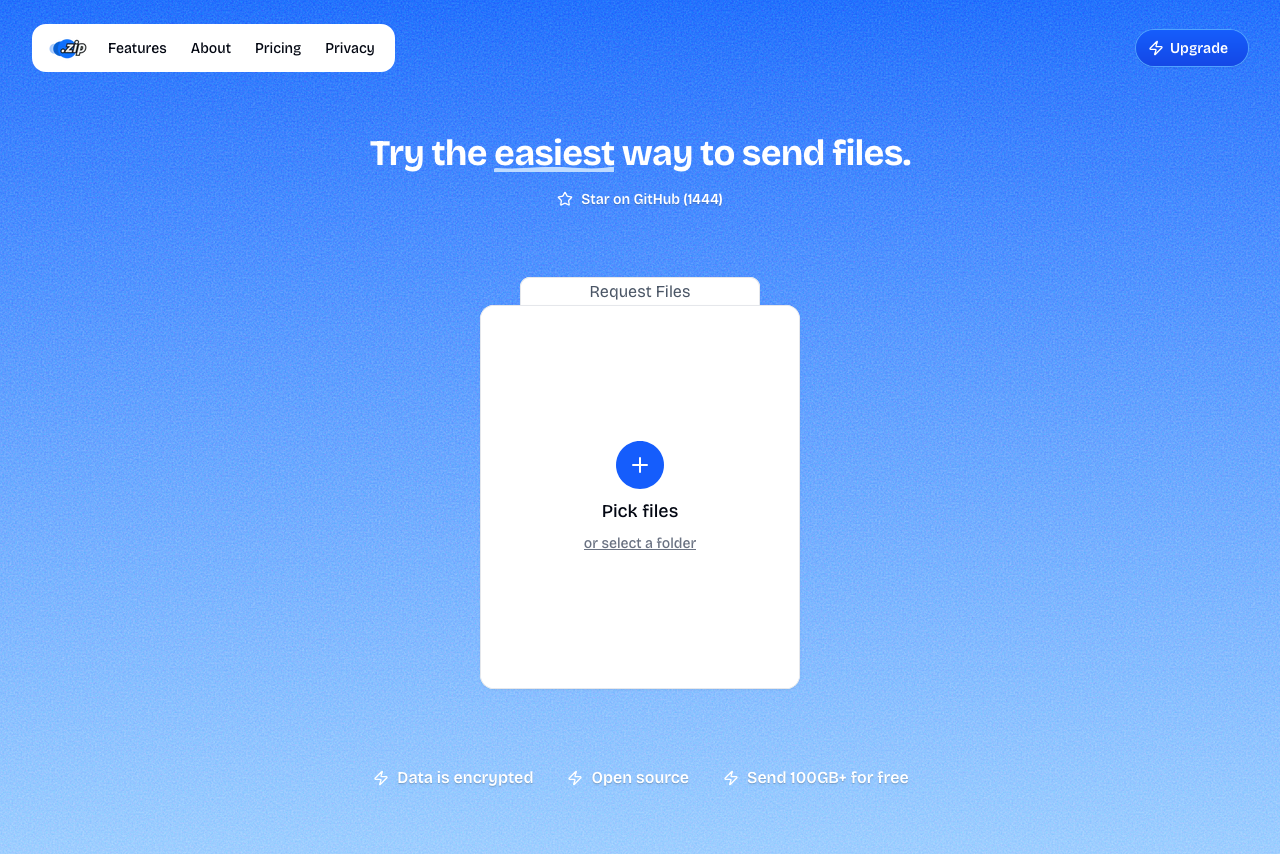 Transfer.zip's Quick Transfer page.
For team use, the stored mode fits better: upload once (up to 1 TB on the Pro plan, 7-day free trial), set the expiry yourself, and the link keeps working for everyone in the channel regardless of Slack's history limits. The dashboard shows how many times it was downloaded, which answers "did anyone actually grab the build?" without asking.
Multiple files sent through a transfer arrive as a single zip, which keeps a channel tidier than ten separate uploads, and spares everyone the ten-notification burst.
Method 2: Use a Cloud Drive Your Team Already Pays For
If your company runs on Google Workspace or Microsoft 365, upload to Drive or OneDrive and paste that link. Slack unfurls it, permissions follow your workspace rules, and it costs nothing extra.
The friction is the usual one: access requests. A link that opens instantly for you may throw a permission wall for the contractor in the channel. For mixed audiences (freelancers, clients, agencies), a transfer link that just downloads is kinder.
Method 3: Shrink It Under 1 GB
For videos, a 720p re-encode often cuts the size by 80% or more: how to compress a video. For folders full of documents, zip them first (right-click → Compress). Skip zipping for media files; they're already compressed and barely shrink.
FAQ
What's the maximum file size on Slack? 1 GB per file, up to 10 files per message, on all plans.
Does Slack Pro increase the upload limit? No. Paid plans extend message history and add features, but the 1 GB per-file cap stays. This surprises a lot of teams mid-upload.
What happens to files on a free Slack workspace? They're visible for 90 days. After that they're hidden, and once they're older than a year, Slack deletes them permanently.
How do I send a whole project folder in Slack? Either zip it and upload (if under 1 GB), or send it through a transfer link, which preserves the folder structure and has no size cap.
Is it safe to share work files through an external link? Transfer.zip Quick Transfers are end-to-end encrypted, so only people with the link can decrypt the files, a stronger guarantee than a public cloud-drive link. For long-lived links, set an expiry that matches how long the file should be available.
Bottom line: Slack is a chat tool with a 1 GB attachment feature, not a file distribution system. For big files or files that need to stick around, drop a Transfer.zip link in the channel and let Slack do what it's good at.
Related guides: