
Where the free tiers give up
A 10 GB file disqualifies most household names immediately:
| Service | Free limit | 10 GB file? |
|---|---|---|
| Gmail / Outlook | 20-25 MB attachments | Not even close |
| Dropbox (free) | 2 GB total storage | No |
| WeTransfer (free) | 3 GB per transfer | No |
| Smash (free) | "Unlimited," but over 2 GB queues at peak times | Painful |
| Google Drive (free) | 15 GB total, shared with Gmail and Photos | Barely, once |
| SwissTransfer | 50 GB per transfer | Yes |
| Transfer.zip Quick Transfer | No limit | Yes, any size |
The pattern: services that store your file have to pay for that storage, so free tiers stay small. The way past the wall is to either stream the file instead of storing it, or find the rare generous free host.
Method 1: Stream It Directly (No Size Limit)
Transfer.zip Quick Transfer doesn't store your file anywhere, so there's nothing to cap. The data streams from your browser to your recipient's, end-to-end encrypted, in real time.
- Open Transfer.zip and pick Quick Transfer.
- Select your files, or an entire folder. 10 GB, 100 GB, it doesn't matter.
- Send the link (or the 6-digit code) to your recipient.
- Keep the tab open until their download finishes.
There's no upload phase: the download starts on their side immediately, at whatever speed the slower of your two connections allows.
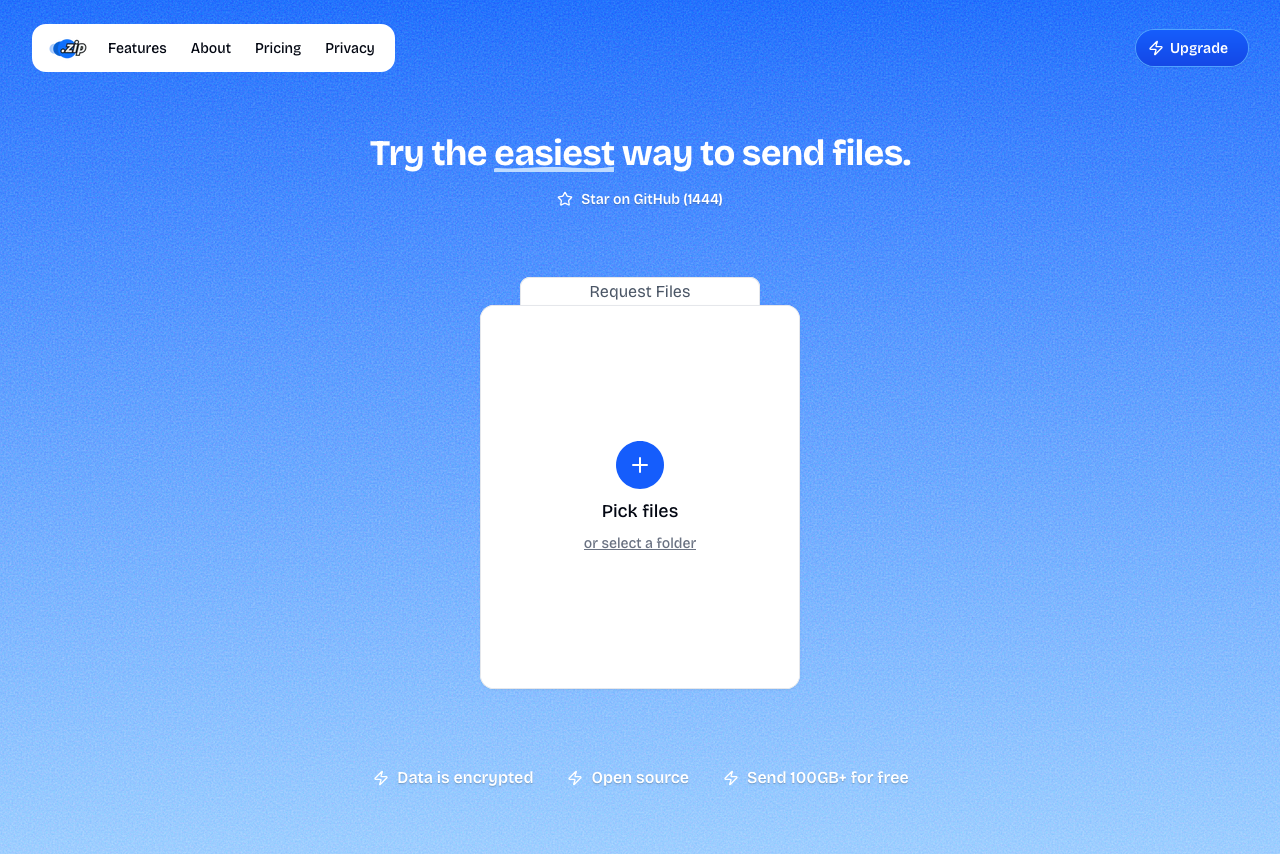 Transfer.zip's Quick Transfer page.
Both devices need to stay online for the duration. Wondering how long that is? Check the download time calculator with your connection speed. On typical broadband, 10 GB is a coffee break, not an afternoon.
Method 2: Stored Transfer up to 1 TB (Recipient Offline)
If your recipient is in another timezone or grabs files on their own schedule, streaming doesn't fit. Transfer.zip's 7-day free trial unlocks stored transfers up to 1 TB: upload once, and the link works whenever they do, for up to a year on the Pro plan.
Uploads go directly to storage with no throttling and no queue, and you can watch views and downloads from the dashboard, useful when the file is the deliverable.
Method 3: SwissTransfer, the Biggest No-Account Free Host
SwissTransfer stores up to 50 GB per transfer, free, no account, links valid up to 30 days with an optional password.
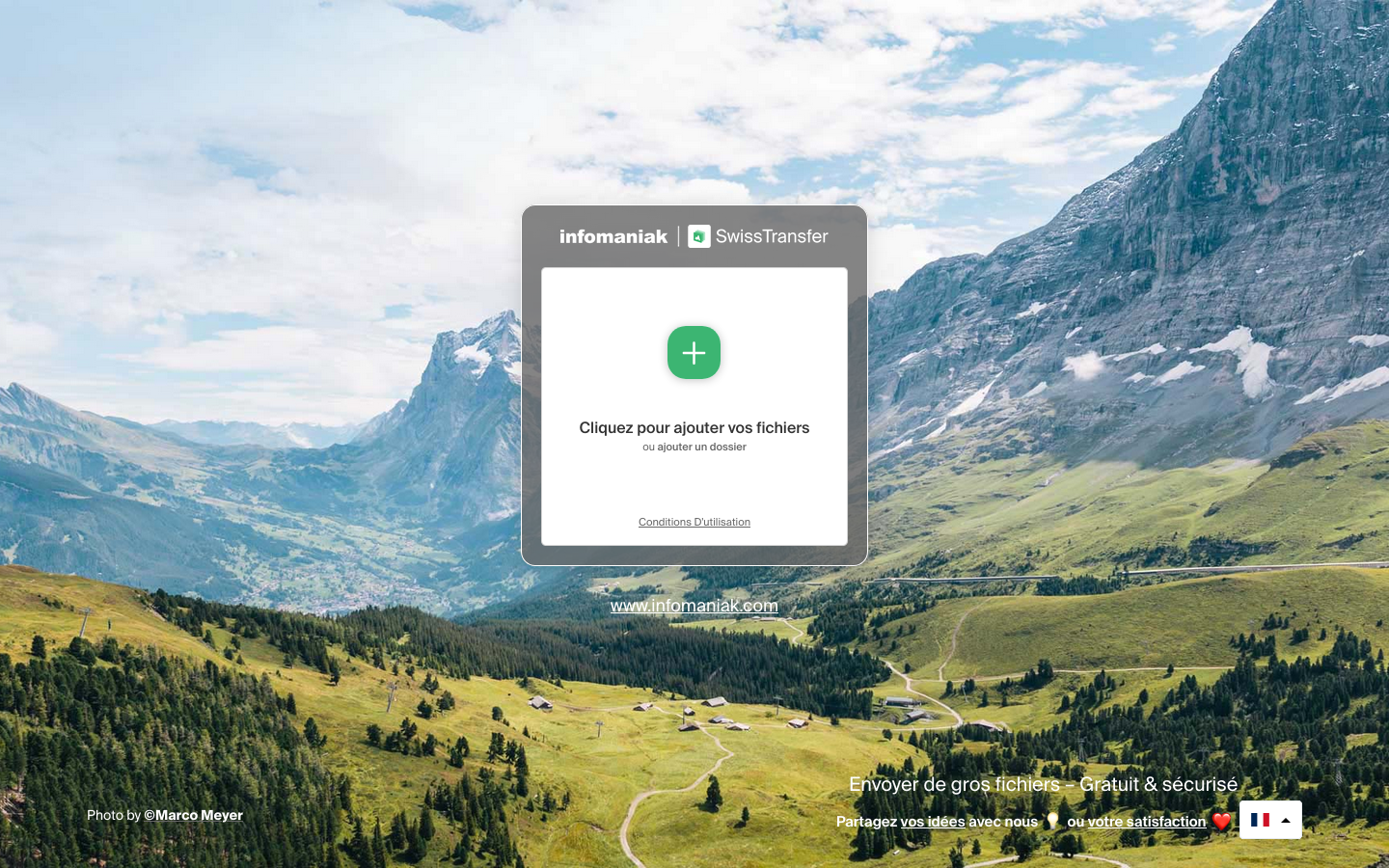 SwissTransfer's upload page.
The trade-off is speed: you upload the full 10 GB first, then the recipient downloads it, so the file makes the trip twice. For a one-off handoff to an offline recipient without a trial, it's the best free option going.
Method 4: Split the File (Last Resort)
Stuck with a service capped below your file size? 7-Zip can slice any file into chunks: right-click → Add to archive → Split to volumes → e.g. 2900M to fit a 3 GB cap. The recipient downloads all parts and extracts the .001 file.
It works, but it multiplies the number of things that can go wrong (one missing part breaks the archive), so use it only when the service is non-negotiable.
FAQ
How long does sending 10 GB take? At 100 Mbps it's roughly 15 minutes; at 20 Mbps, about an hour. With Quick Transfer the sender and receiver run simultaneously, so that's the total time, not per side. The download time calculator gives you exact numbers.
Can I send 100 GB or more for free? Yes. Quick Transfer has no cap, since the file streams between devices instead of being stored. Plug both machines in, prefer a wired connection for speed, and keep the tabs open.
Can I email a 10 GB file? No. Email tops out at 20-25 MB. Send a link instead; the recipient downloads in the browser.
What if the transfer gets interrupted? A Quick Transfer stops if either side goes offline, and nothing partial is left on any server. Just start it again. For flaky connections, a stored transfer (Method 2) is more forgiving, since the recipient can retry the download.
Is the free unlimited transfer really free? Yes. Quick Transfer costs nothing, needs no account, and has no size limit. The paid plans exist for stored transfers, when you need links that outlive your browser tab.
Bottom line: The 2-3 GB ceilings exist because storage costs money. Streaming doesn't, so Transfer.zip can move a 10 GB or 100 GB file for free while the big names are still showing you an upgrade prompt.
Related guides: