How to Send Large Files for Free (2026 Complete Guide)

Discover the fastest, easiest ways to send files over 2 GB for free - no registration needed. Workarounds for email, cloud drives, and P2P streaming.

TL;DR

Transfer.zip (1 TB, 365 days, 7-day free trial - fast transfers) - Best Choice

SwissTransfer (50 GB, 30 days - slow uploads/downloads)

WeTransfer (3 GB, 7 days - advertisements)

Google Drive (15 GB total, permanent - slow uploads)

Try Transfer.zip →

Email limits attachments to 20-25 MB, but modern work requires sharing much larger files like 4K videos (10-100 GB), design files (500 MB - 5 GB), or software archives (1-50 GB). Paid services charge $10-30/month, but several free options exist that match or exceed paid features.


Quick Comparison: Best Free Services

ServiceMax File Size (Free)RetentionNo Account NeededBest For
Transfer.zipUnlimited (P2P)Until tab closes / 1 year (trial)YesFiles over 50 GB, instant sharing
SwissTransfer50 GB30 daysYesLarge files, long retention
WeTransfer3 GB7 daysYesQuick sharing under 3 GB
Google Drive15 GB storage totalPermanentNoLong-term storage

Best Free File Transfer Services

Transfer.zip (Unlimited Size, P2P)

Why it's best: Only service with truly unlimited file sizes on the free tier.

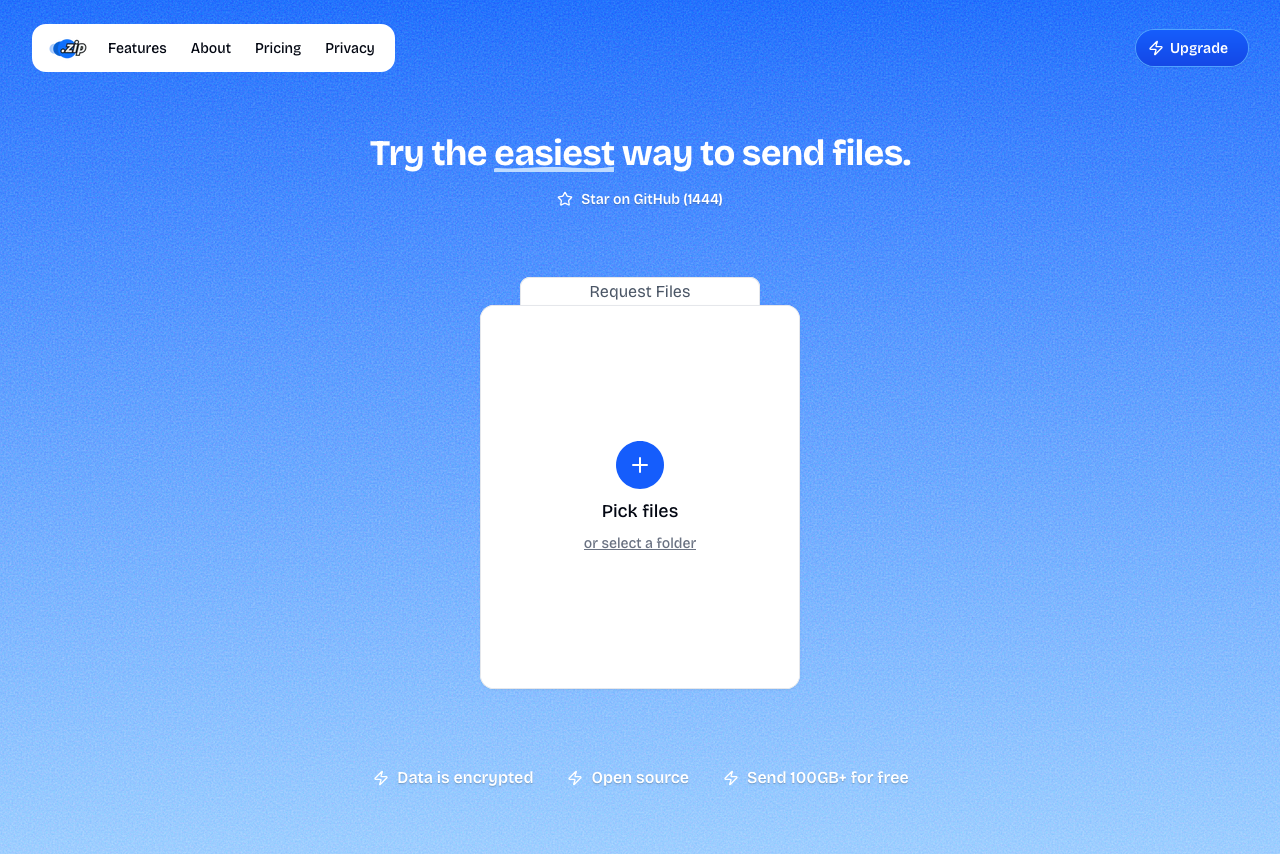
Quick Transfer (P2P Mode): Select Quick Transfer at Transfer.zip, choose your files, copy the instant link, and share. Files stream directly peer-to-peer—no upload wait, no size limit. Keep your browser tab open until the recipient finishes downloading.

P2P transfers require keeping your browser tab open until the recipient completes their download. For offline transfers, use Cloud Storage mode.

Cloud Storage Mode (7-Day Free Trial):

  • Upload up to 1 TB
  • Files stored for up to 1 year
  • Download analytics and password protection
Pros:
  • Unlimited file size (P2P)
  • Instant transfers
  • End-to-end encrypted
  • No ads
Cons:
  • P2P mode requires keeping browser tab open
Best for:
  • Files over 50 GB
  • Urgent deadlines
  • Privacy-focused users

SwissTransfer (Up to 50 GB Free)

Why it's great: Largest free tier aside from Transfer.zip's unlimited P2P, plus longest retention (30 days).

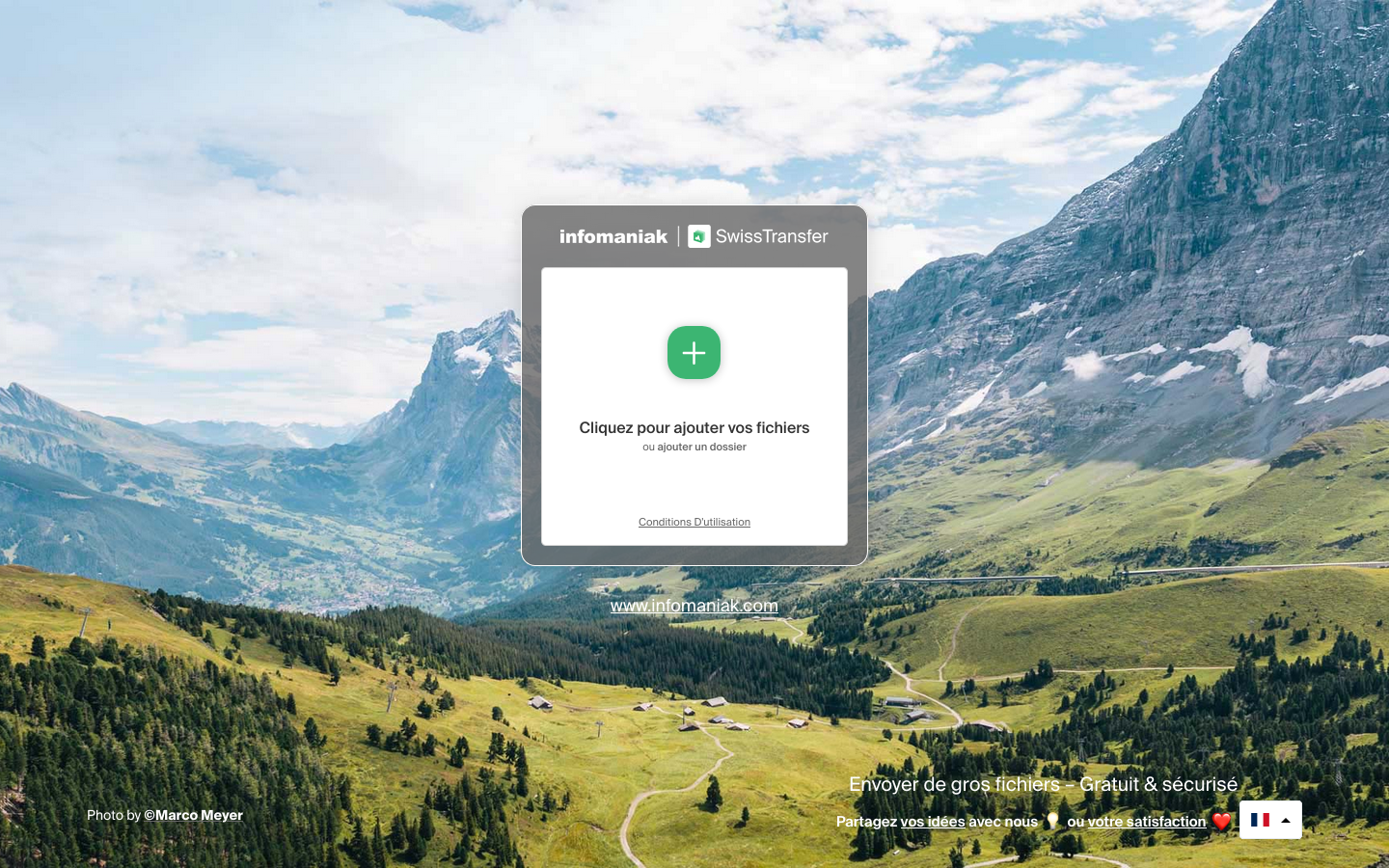
Drag and drop files at SwissTransfer, choose email or link transfer, optionally add password/expiration. 50 GB per transfer, 30 days retention, Swiss data protection, no ads.

Pros:
  • Very high file size limit
  • Long retention
  • Privacy-focused
  • Clean interface
Cons:
  • Slower uploads
  • No download analytics
Best for:
  • Very large files (10-50 GB)
  • When recipients need days to download

WeTransfer (Up to 3 GB Free)

Why people use it: Simplest interface, most recognized brand.

Add files at WeTransfer, choose email or link transfer, and click Transfer. 3 GB free, 7 days retention, password protection available.

Pros:
  • Super simple UI
  • Fast uploads
  • Reliable
Cons:
  • Only 3 GB free
  • 10 transfers/month limit
  • Ads on download pages
Best for:
  • Files under 3 GB
  • When simplicity matters

Cloud Storage for Regular Sharing

  • Google Drive (15 GB): Upload, right-click → Share → copy link. Files stay permanently, recipients can preview.
  • Dropbox (2 GB): Upload, Share → Create link. Add ?dl=1 for direct download.
  • OneDrive (5 GB): Upload, Share → copy link. Integrates with Microsoft Office.
Best for:
  • Long-term access
  • Collaboration

Comparison by File Size

Under 100 MB: Email it as attachment

100 MB - 3 GB: WeTransfer (simplest) or Google Drive

3 GB - 50 GB: SwissTransfer or Transfer.zip P2P

50 GB+: Transfer.zip P2P mode (only truly unlimited free option)


Security Best Practices

For Sensitive Files:

  1. Use password protection (share password via different channel)
  2. Choose services with end-to-end encryption (Transfer.zip)
  3. Set short expiration dates
  4. Verify recipient received the correct link
  5. Avoid public Wi-Fi when uploading

Speed Tips:

  • Use wired ethernet instead of Wi-Fi
  • Close bandwidth-heavy apps
  • For huge files, use Transfer.zip P2P (no upload wait)

Common Issues & Solutions

"File too large for this service" → Use Transfer.zip P2P (unlimited)

"Upload keeps failing" → Check internet connection, try different browser or service

"Download link expired" → Use services with longer retention (SwissTransfer: 30 days) or cloud storage for permanent links

"Upload taking forever" → Use Transfer.zip P2P for instant start (no upload wait)


FAQ

What's the largest file I can send for free? Unlimited with Transfer.zip's P2P mode. Otherwise, SwissTransfer offers 50 GB.

Do I need to create an account? Not for Transfer.zip, SwissTransfer, or WeTransfer. Cloud storage (Drive, Dropbox, OneDrive) requires accounts.

How long do links last? Transfer.zip (P2P): Until you close browser tab; SwissTransfer: 30 days; WeTransfer: 7 days; Cloud storage: Permanent

Are free services safe? Yes, reputable ones are safe. For sensitive files, use encryption and password protection.


Summary

Best overall: Transfer.zip - Unlimited size (P2P), instant transfers, end-to-end encrypted, free forever

Runner-up: SwissTransfer - 50 GB limit, 30-day retention, privacy-focused

For simplicity: WeTransfer - 3 GB limit, most user-friendly

For storage: Google Drive - 15 GB free, permanent storage

Bottom line: You don't need to pay for large file transfers in 2026. Free services like Transfer.zip (unlimited P2P) and SwissTransfer (50 GB) handle nearly any file size.

Related guides: