
Why your videos arrive blurry
Every mainstream chat app re-encodes video sent through the camera or gallery picker, trading your footage's quality for their bandwidth bill. WhatsApp's own limits for media are around 100 MB at 720p on fast connections (64 MB at 480p on slow ones), and even its HD option is compressed, just less. iMessage compresses too, though Apple publishes no numbers.
The pixels you shot in 4K are gone by the time your recipient hits play. Recovering them isn't possible. Not losing them in the first place is easy, four ways.
Method 1: Direct Transfer, Any Size (Recommended)
The most general solution works regardless of device, app, or file size:
- Open Transfer.zip and pick Quick Transfer.
- Select the video (or several, or the whole folder).
- Send the link, or have the recipient type the 6-digit code at transfer.zip/quick.
The file streams from your device to theirs bit for bit: nothing re-encodes it, and nothing caps its resolution or size. A 30 GB wedding video arrives as a 30 GB wedding video, end-to-end encrypted on the way. Both devices stay online until the download completes, that's the whole cost.
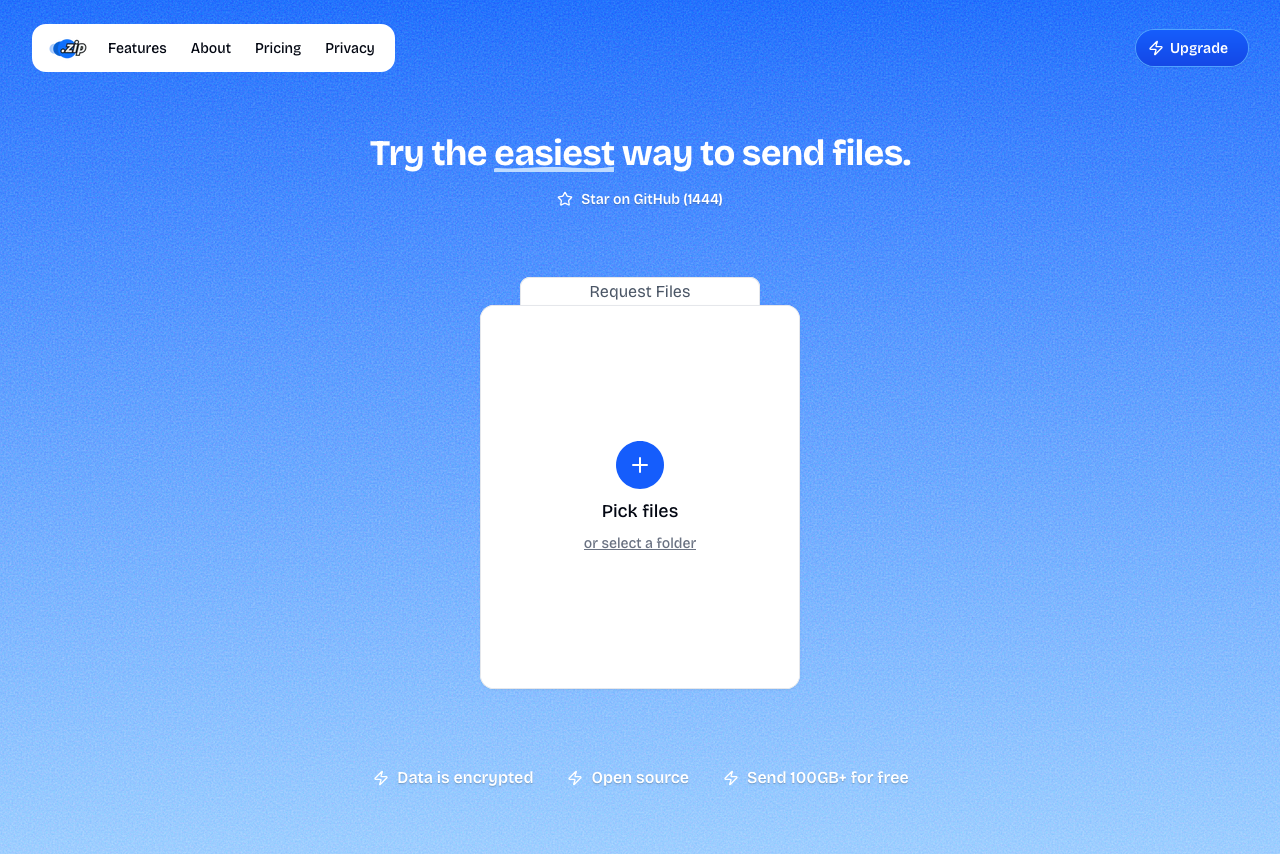 Transfer.zip's Quick Transfer page.
If the recipient can't be online at the same time, the 7-day free trial covers stored transfers up to 1 TB, so the link works whenever they get to it, for up to a year.
Method 2: Send It "As a File" Inside the Chat App
The compression pipeline only applies to the media picker. Both big messengers have a side door:
- WhatsApp: attach → Document (not Gallery) → pick the video. Up to 2 GB, and it arrives without the media re-encode. On iPhone, save the video to the Files app first so the document picker can see it.
- Telegram: attach → File (not Gallery). Up to 2 GB, or 4 GB with Premium.
The video lands as a file rather than an inline-playing bubble, and the original quality survives. Full walkthroughs: large files on WhatsApp and on Telegram.
Method 3: Share a Cloud Photos Link
If your videos already back up to a photo cloud in original quality, share from there:
- Google Photos: works only if backup quality is set to Original quality (Storage saver resizes video to 1080p). Share the item or album link; the recipient can download from it. Counts against your Google storage.
- iCloud Photos: iCloud stores originals at full resolution; share an iCloud link, valid for 30 days.
The catches: your cloud quota absorbs the video, and recipients sometimes end up viewing a compressed stream instead of downloading the file, so tell them explicitly to use the download option.
Method 4: Mail Drop, for the Apple Mail Crowd
Apple's Mail Drop sends attachments up to 5 GB by uploading them to iCloud and giving the recipient a 30-day download link, without eating your iCloud quota. It kicks in automatically for large attachments sent through Apple Mail. Only helps if you and email are on speaking terms, and 5 GB is the hard end of it.
What doesn't work
- The HD toggle in WhatsApp: better, still compressed.
- Regular email attachments: capped at 20-25 MB, a few seconds of phone video.
- "Compress it first": re-encoding to a smaller file is losing quality, deliberately. If that's fine for the purpose, our video compression guide does it with the least damage.
FAQ
What's the best way to send a 4K video without quality loss? A direct transfer. Transfer.zip streams the original file at any size with no re-encoding. As-a-document in WhatsApp or Telegram also works up to 2 GB.
Does sending as a document really keep original quality? Yes. The document/file path in WhatsApp and Telegram skips the media compression pipeline, and the recipient gets the file as it exists on your device.
Why does my video lose quality even with WhatsApp HD? HD is a lighter compression preset, not a bypass. The only WhatsApp path without media re-encoding is sending as a document.
How do I send a video that's over 2 GB in full quality? The chat-app file tricks stop at 2 GB (4 GB with Telegram Premium). Beyond that, use a transfer link: Quick Transfer has no size cap at all.
Will the recipient need an app or account? With a transfer link, no: they download in the browser on any device.
Bottom line: Quality loss isn't a fact of sending video, it's a default you can decline. Send as a file inside chat apps for videos under 2 GB, and use Transfer.zip for everything, at any size, in the exact quality you shot.
Related guides: