
What 10 MB actually buys you
Discord's free tier caps every upload at 10 MB (Nitro Basic raises it to 50 MB, Nitro to 500 MB). Ten megabytes is about 80 megabits, so the math per clip length looks like this:
| Clip length | Total bitrate for ~10 MB | Realistic quality |
|---|---|---|
| 30 seconds | ~2,600 kbps | Good 720p |
| 1 minute | ~1,300 kbps | Decent 720p / good 540p |
| 2 minutes | ~650 kbps | 480-540p, soft |
| 5 minutes | ~260 kbps | Slideshow territory |
Under about two minutes, compression works fine. Past that, quality falls off a cliff, and a link (Method 3) beats a blurry upload.
Before encoding anything: trim first. Cutting a 90-second recording down to the 20 seconds that matter does more for quality than any encoder setting.
Method 1: HandBrake (Free, Made for This)
HandBrake is free, open source, and ships Social presets designed to hit size targets, including 10 MB variants added specifically after Discord cut its limit.
- Open your video in HandBrake.
- Pick a Social preset matching your clip length (they're named by duration and size target).
- Keep the format MP4 (H.264 video), which Discord plays inline.
- Click Start Encode and check the output size.
If you'd rather steer manually: set resolution to 1280x720 (or 960x540 for longer clips), cap the frame rate at 30, and use Average Bitrate mode with the number from the table above minus ~128 kbps for audio. Enabling multi-pass encoding spends extra encode time distributing those scarce bits better.
Screen recordings and gameplay compress better at a steady 30 fps than at 60. Halving the frame rate effectively doubles the bits available to each frame.
Method 2: ffmpeg Two-Pass (Precise, Scriptable)
For terminal users, two-pass encoding hits a size target on the nose. For a 60-second clip aiming just under 10 MB (~1,170 kbps video + 128 kbps audio):
ffmpeg -y -i input.mp4 -c:v libx264 -b:v 1170k -pass 1 -an -f null /dev/null
ffmpeg -i input.mp4 -c:v libx264 -b:v 1170k -pass 2 -c:a aac -b:a 128k output.mp4
The formula: total kbps = (10 MB x 8,000) / seconds, then subtract the audio bitrate. On Windows, replace /dev/null with NUL. Add -vf scale=-2:720 to downscale to 720p while you're at it.
Method 3: Don't Compress, Link It
When the clip is long, the quality matters, or you're just tired of encoder roulette:
- Open Transfer.zip and pick Quick Transfer.
- Select the video, any size, original quality.
- Paste the link in Discord. It unfurls, your friend clicks, the download streams directly from you, end-to-end encrypted.
No re-encoding, no 10 MB gymnastics, no Nitro. The full playbook is in how to send large files on Discord without Nitro.
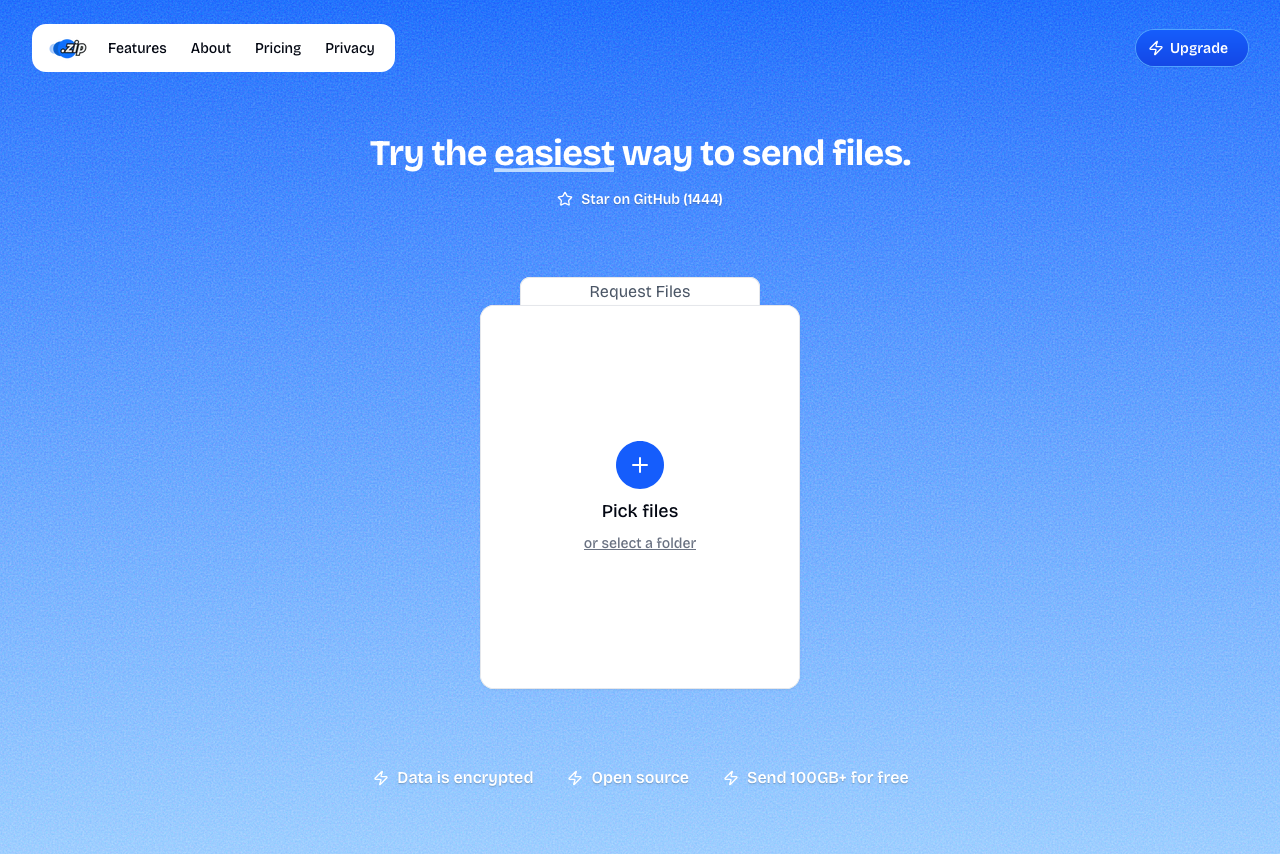 Transfer.zip's Quick Transfer page.
What about online compressor sites?
They work for the occasional small clip, with two caveats worth knowing. Your video uploads to their servers for processing, which is a real consideration for anything private. And free tiers carry catches: some watermark the output (Clideo does unless you pay), others cap input size. FreeConvert handles files up to 1 GB free without a watermark and deletes uploads after a few hours, making it the reasonable pick of the bunch.
FAQ
What video format does Discord accept? MP4 (H.264, HEVC, or AV1 video), plus MOV. H.264 in an MP4 with AAC audio is the safe combination that previews and plays inline everywhere.
Why does my compressed video still say it's too large? File size = bitrate x duration. If the encoder was set to constant quality instead of a bitrate target, long clips overshoot. Use a size-targeted preset (HandBrake's Social presets) or two-pass with a calculated bitrate.
How do I send a 100 MB video on Discord without Nitro? Realistically, as a link. Compressing 100 MB down to 10 usually looks rough unless the clip is very short. A Transfer.zip link keeps original quality with no size cap.
Does zipping a video make it smaller? No. Video is already compressed; zipping shaves a percent or two at best. Re-encoding is the only way to genuinely shrink it.
Bottom line: Under two minutes, HandBrake's size presets get your clip under Discord's 10 MB bar in one pass. Over that, stop fighting the encoder and paste a Transfer.zip link, full quality, zero megabyte math.
Related guides: