
What "secure" actually means
Almost every file sharing service calls itself secure. The word hides three very different levels of protection:
| Level | What it protects against | Who can still read your files |
|---|---|---|
| Encryption in transit (TLS) | Snooping on the network | The service, and anyone who breaches it |
| Encryption at rest | Someone stealing the hard drives | The service, since it holds the keys |
| End-to-end encryption (E2E) | Everyone except you and your recipient | Nobody else, not even the service |
Nearly all mainstream services offer the first two. That's table stakes, and it still means the provider can technically open, scan, or hand over your files. Only end-to-end encryption takes the service itself out of the equation: files are encrypted on your device before they leave it, and only your recipient holds the key.
If the files are sensitive (contracts, medical records, unreleased work, client data), end-to-end encryption is the property to look for.
Method 1: Use an End-to-End Encrypted Transfer
The simplest secure option is a service where E2E is the default, not a paid add-on.
Transfer.zip encrypts files in your browser with AES-256 before a single byte leaves your device. The decryption key lives in the part of the link after the #, which browsers never send to any server. In other words, the server physically cannot read what passes through it.
- Open Transfer.zip and pick Quick Transfer.
- Select your files or a whole folder, any size.
- Send the link to your recipient over a channel you trust.
Files stream directly between the two browsers in real time and are never stored on a server. Close the tab, and the transfer ceases to exist.
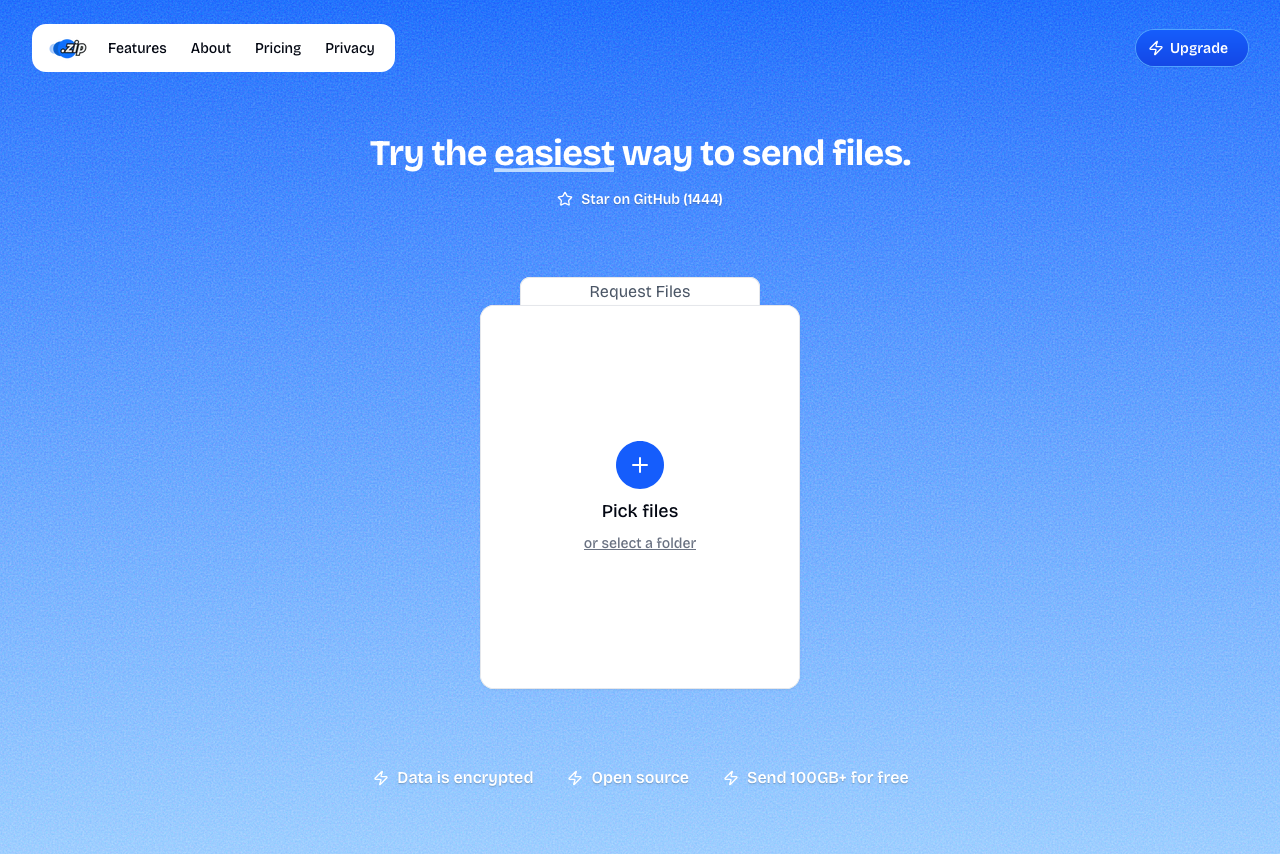 Transfer.zip's Quick Transfer page.
Transfer.zip is open source, so the encryption isn't a marketing claim you have to take on faith. Anyone can read the code that does it.
Method 2: Encrypt the Files Yourself First
If you must use a specific service (a client insists on their cloud drive, for example), you can get end-to-end security on top of any of them by encrypting before you upload.
7-Zip (Windows, free) does this well:
- Right-click your files → 7-Zip → Add to archive.
- Set a strong password under Encryption and choose AES-256.
- For
.7zarchives, also tick Encrypt file names, so even the file list is hidden. - Upload the archive anywhere and share the password separately.
On a Mac, Keka does the same job.
Never send the password in the same email or chat as the link. If that one message leaks, both halves leak together. Link by email, password by text message or phone call.
For more on password-protected sharing, see how to send files with a password.
Method 3: Use Expiring Links Instead of Permanent Ones
A link that works forever is a liability: it sits in inboxes, chat logs, and forwarded threads long after everyone forgot about it. A link that expires closes that window.
- Transfer.zip stored transfers expire automatically: after 14 days on the Starter plan, or any period you choose up to 365 days on Pro. You can also delete a transfer early from the dashboard, and see exactly how many times it was viewed and downloaded.
- SwissTransfer links expire after up to 30 days.
Download tracking matters more than it sounds: if a link was opened five times but you only sent it to one person, you want to know.
Method 4: If You Use a Cloud Drive, Tighten the Settings
Google Drive, Dropbox, and OneDrive are fine for low-sensitivity files, but their defaults favor convenience:
- Avoid "Anyone with the link" for sensitive content. Share with specific accounts instead.
- Revoke access when the project ends. Old shares accumulate silently.
- Remember the provider holds the keys: none of the big three offer end-to-end encryption for shared files.
What to avoid
- Email attachments for anything sensitive. Email is stored in plaintext on multiple servers, and you can't unsend it.
- USB sticks for handoffs. They get lost, and an unencrypted stick is readable by whoever finds it.
- Messaging apps for documents, unless the app is E2E encrypted (Signal is, standard Telegram chats are not).
FAQ
Is WeTransfer secure enough for sensitive files? WeTransfer encrypts in transit and at rest, which protects against outside attackers but not against access on the service side, since it holds the keys. For genuinely sensitive files, pick an end-to-end encrypted option or encrypt the files yourself before uploading.
What's the most secure way to share files with no account? An end-to-end encrypted transfer. Transfer.zip's Quick Transfer needs no account, encrypts in your browser, and never stores files on a server.
Can I make any service end-to-end encrypted? Effectively yes: encrypt files into a password-protected 7-Zip archive with AES-256 before uploading, and share the password over a different channel. The service only ever sees ciphertext.
Does a password on a link make it end-to-end encrypted? No. A link password controls who can trigger a download, but the service can still read the files. E2E means the service never has the keys at all.
Bottom line: "Encrypted" on a landing page usually means the company can still read your files. End-to-end encryption means it can't. Transfer.zip gives you that by default, free, with no size limit.
Related guides: